Buying a new laptop sounds simple until you see how many versions exist. Some are light and low-cost for web browsing, while others are built for study, office work, creative tasks, or long days away from a plug.
That range is both the appeal and the challenge. Whether you are browsing the latest AI PCs or researching Copilot+ devices running Windows 11 Home, finding the perfect match requires more than just checking a price tag. This comprehensive guide cuts through the technical jargon to help you identify the specific HP model that balances your budget with your actual daily needs. By following our practical, 2024/2025-ready approach, you will save time on research and ensure you invest in a machine that enhances your work, study, and downtime rather than holding you back.
Key Takeaways
- HP offers wide choice across budgets and uses, from everyday browsing and streaming to business and study, making their machines a sensible pick for most UK buyers.
- Match specs to your needs: start with 8GB DDR5 RAM and 256GB SSD for smooth performance, scaling up for heavier tasks like photo editing.
- Prioritise screen size (the 14-inch sweet spot), quality, battery life, and keyboard comfort over top-end power unless your work demands it.
- Budget models may compromise on display brightness and build; always compare exact specs online to get better value and avoid weak points.
- Business features like reliable webcams, HP Wolf Security, and practical ports make these devices strong for remote work and hybrid setups.
Why an HP laptop can be a smart buy
The brand covers a wide stretch of the market, and that matters for buyers in the UK. You can find series such as the Pavilion and Chromebook for simple everyday machines, the Envy x360 for slim premium designs, EliteBook and ProBook models for business use, and flexible 2-in-1 PC options, all under the same umbrella. As a result, they often end up on shortlists for students, home users, and office workers alike.
Price spread is another reason this hardware stays popular. Entry-level models can handle emails, shopping, and streaming without pushing the budget too hard. At the same time, higher-tier ranges offer better screens, sturdier builds, stronger battery life, and more polished keyboards. That means you can stay within one ecosystem while moving up in quality.
What these machines are best known for
HP laptops are best known for choice. That sounds obvious, but it matters when many brands focus on only one or two types of buyer. The manufacturer tends to offer mainstream features that suit everyday life, such as full-size keyboards, decent webcams, HP Fast Charge on some models, and a mix of screen sizes.
The brand also has a solid reputation for business-friendly machines. If you engage in hybrid work, use video calls often, or need a dependable device for documents and browser tabs with features like HP Wolf Security, there are plenty of options. In addition, 2-in-1 PC models appeal to people who want a touchscreen for notes, media, or casual use on the sofa.
Broad availability helps too. In the UK, these laptops are easy to find online, which makes comparing specs and prices much easier than with less common brands.
Who an HP laptop suits best
This brand works best for buyers who want a sensible mix of price and features. Students often like the balance of portability and value, especially the fast-charging features that appeal to commuters. Home users benefit from simple models that cover browsing, streaming, shopping, and light admin. Remote workers and small business users often find good options with comfortable keyboards, clear webcams, and practical port layouts.
That said, not every model suits every job. Heavy gamers should compare graphics power closely. High-end creators should also look carefully at screen quality, processor strength, and cooling. In other words, the badge alone doesn’t tell you enough. The series and exact spec matter far more.
How to choose the right laptop for your needs
The best way to shop is to ignore looks for a moment. First, think about what you do most days. A computer is a tool, not a trophy. If your real use is web browsing, spreadsheets, and video calls, paying for top-end power may bring little benefit.
Pick performance based on what you actually do
Processor, RAM, and storage sound technical, but the basics are simple. The processor is the engine. RAM helps with multitasking. Storage is where your files and apps live. For light use, you don’t need big numbers. For heavier work, you do.
 This quick guide helps match specs to real use:
| Main use | Processor | RAM | Storage |
|---|---|---|---|
| Browsing, email, streaming | Intel Core Ultra 5, AMD Ryzen 3, Snapdragon X Elite | 8GB DDR5 | 256GB SSD storage |
| Office work, school tasks, lots of tabs | Intel Core Ultra 7, AMD Ryzen 5 or 7 | 8GB to 16GB DDR5 | 256GB to 512GB SSD storage |
| Photo editing, heavier multitasking | Intel Core Ultra 7+, AMD Ryzen 7 | 16GB LPDDR5x | 512GB SSD |
| Demanding creative work | Intel Core Ultra 9, AMD Ryzen 9, high-end Snapdragon X Elite | 16GB or more DDR5/LPDDR5x | 512GB SSD or more |
For most buyers, 8GB DDR5 RAM and 256GB SSD storage is the sensible floor. That setup feels much smoother than older devices with slow storage. If you keep a unit for years, 16GB RAM is often worth the extra spend.
If two computers look almost the same, the one with more DDR5 RAM and proper SSD storage will usually feel faster for longer.
Choose a screen size and design that fits your routine
A machine can look great online and still feel wrong after a week. Size affects comfort more than many people expect. A 13-inch model is easier to carry on trains, into lectures, or around the house. A 14-inch model often hits the sweet spot, because it balances portability with a usable screen and keyboard. Meanwhile, 15.6-inch and 16-inch models suit desks, home study, and anyone who prefers more space for work.
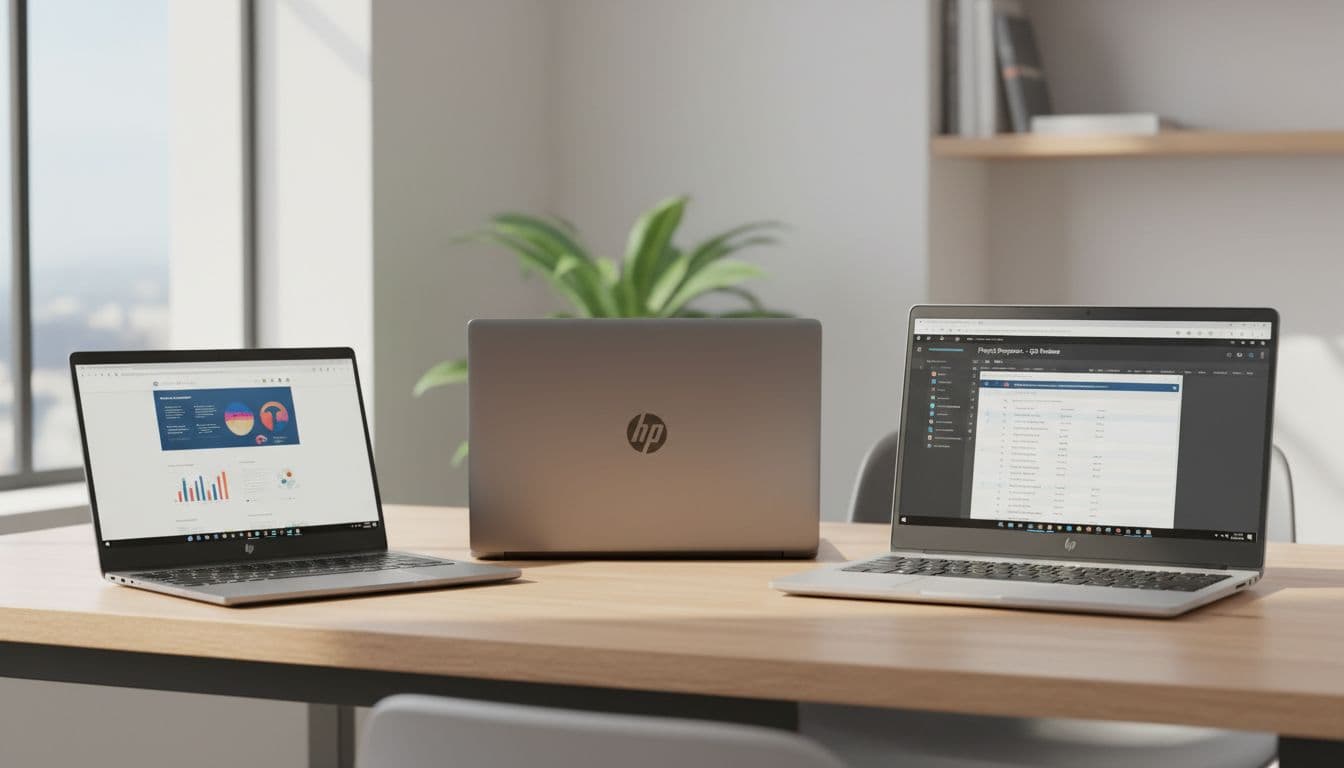 Design matters too. Thin models are easier to carry, but some sacrifice ports or cooling. A 2 in 1 design is useful if you’ll use touch often, take notes by hand, or watch content in tent mode. If not, a standard clamshell may give better value.
Screen quality often shapes long-term satisfaction. Premium options like an OLED display or Micro-edge display are easier on the eyes, especially for work. Keyboard comfort also counts, because you’ll notice poor key travel every day. Build quality matters in the same way. The small details decide whether a device feels solid after a year or tired after six months.
A practical review of HP strengths and trade offs
HP as a category gets a lot right, but not every range feels the same. That’s the key point. A premium model can feel refined and durable, while a cheaper one may focus on basics and little else. Seen that way, this manufacturer is less one single experience and more a family of products with different priorities. The transition to Next Gen AI, which defines the new AI PC category, is evident in their rebranded premium lineup like the OmniBook.
Where HP usually does well
They often perform well in the middle of the market. That’s where many buyers want a device for study, office tasks, browser work, media, and calls, but don’t need specialist power. In that space, there is usually good value, practical design, and enough variety to suit different habits.
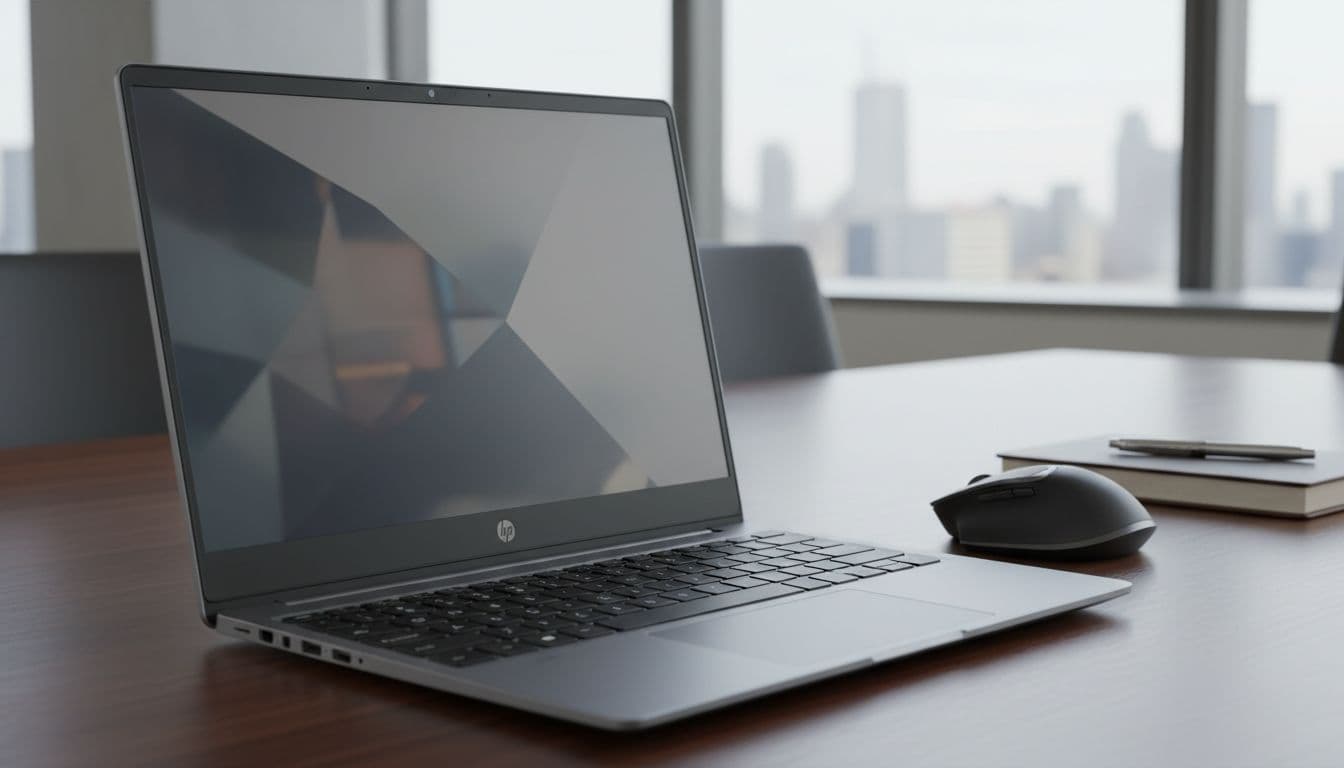 Business options are another strong point. Many of these machines feel well suited to remote work because they offer reliable 5MP IR cameras, decent microphones, comfortable keyboards, and a sensible mix of ports. Some lines also put more focus on security and durability, which matters for people using their PC every day.
There is also strength in choice. You can find compact travel-friendly models, larger home-use units, and flexible 2-in-1 PC designs all in one place. That makes this brand a handy starting point if you want to compare several shapes and price levels.
Common weak points to watch out for
Cheaper models can come with compromises that don’t show up in product photos. The display may be dim. The casing may feel more plastic than sturdy. Battery life can also vary more than expected, especially on lower-cost units. In addition, some budget versions use slower storage or weaker screens that make the overall experience less sharp, and battery life remains a key trade-off to consider.
That’s why spec-checking matters so much. Look closely at screen resolution, brightness, keyboard feel, and storage type. If upgrades matter to you, check whether memory or storage can be expanded later. Also read the warranty details, because support terms can differ between ranges.
The point isn’t to avoid this manufacturer. It’s to avoid assuming all their products offer the same experience. Spend where it changes daily use, not where the marketing sounds nice.
How to buy an HP Laptop online and get better value
Buying online often makes more sense than buying in a rush on the high street. You can compare more configurations, filter by display size like 14-inch or 15.6-inch models, memory, or weight, and spot when two similar-looking devices have very different internals. That wider view often leads to a better buy.
What to compare before you place an order
Before you click buy, compare the full specification, not only the product name. HP often sells laptops with similar names but different processors, RAM amounts, screen panels, or storage sizes. One version may be excellent for work, while another is only fine for light browsing.
 Focus on processor generation, RAM, SSD size, screen resolution, claimed battery life, weight, port selection, keyboard features such as the Copilot key on new Windows 11 Home models, wireless support, webcam quality, and after-sales cover. If you use external monitors or accessories, ports matter more than you might think.
A simple rule helps here. Compare the exact model code where possible. Small changes in letters or numbers can mean a different screen, chip, or battery.
Simple ways to save money without buying the wrong machine
Online shopping makes deals easier to spot, but the cheapest option isn’t always the best value. Sales periods can bring real savings, especially on mid-range laptops. Student discounts may help too, and bundle offers can make sense if you already need a sleeve, software, or accessories. Refurbished models are worth a look as well, provided the condition and warranty are clear.
Use this checklist when comparing offers:
- Check whether the discount applies to a current spec or an older one with weaker storage.
- Look at RAM and SSD storage first, then screen quality, then battery claims.
- Compare weight if you’ll carry it often.
- Read what warranty and returns cover before paying.
- Track prices for a while if you’re not in a rush.
Sometimes paying more is the smarter move. Better battery life, a sharper display, or 16GB RAM can improve daily use for years. That extra spend often matters more than a slight saving on a unit you’ll outgrow too quickly.
A good HP Laptop isn’t the one with the loudest spec sheet. It’s the one that fits your routine, budget, and workload without leaving obvious weak points. If you mostly browse, study, stream, and work online, this brand gives you plenty of sensible options. Compare the exact specs of your chosen HP laptop, select the right size, and pay attention to the screen, memory, and battery, because those factors really shape the HP laptop experience most. Use a clear shortlist before you buy an HP laptop online. That’s usually the easiest way to get better value and avoid disappointment later.
Frequently Asked Questions
What HP laptop series suit students and everyday use?
Pavilion and Chromebook series work well for light tasks like browsing, emails, and streaming on a budget. They offer portability, HP Fast Charge for commuters, and good value without excess power. For more study tasks, consider Envy x360 2-in-1 models with touchscreens.
How much RAM and storage do I need for office work?
8GB to 16GB DDR5 RAM handles spreadsheets, video calls, and multiple tabs smoothly. Pair it with 256GB to 512GB SSD storage for quick boot times and file access. Avoid older slower storage to keep the device feeling responsive over time.
Are HP laptops good for gaming or creative work?
The brand suits light creative tasks but heavy gamers should check graphics power closely, as most models focus on mainstream use. High-end options like Intel Core Ultra 9 or AMD Ryzen 9 with 16GB+ RAM work for photo editing. For pro gaming or video rendering, compare cooling and dedicated GPUs.
What should I check when buying an HP laptop online?
Compare full specs including processor generation, RAM, SSD size, screen resolution, battery claims, weight, and ports. Use model codes to spot differences between similar names. Check warranty, returns, and current deals to ensure better value without compromises.
How does battery life vary across HP models?
Budget models often have shorter battery life as a trade-off for low cost, while premium lines like OmniBook or EliteBook offer longer runtime. Look at real-world claims and prioritise models with HP Fast Charge. Screen brightness and usage affect it most, so test reviews for your routine.
Explore More Buyers Guides & Reviews
For a list of our main buyers guides use the drop-down menu at the top of the page. Topics related to this article are:
Kitchen Appliances Buyers Guides
–
Explore Our Blog Categories for Expert Buying Advice
- AI Powered Product Finder Tools (25)
- Expert Buying Guides & Shopping Tips for UK Shoppers (1,461)
- Brands & Designer Products (Men, Women & Electronics) (293)
- Designer Fashion Brands: Buyer’s Guides & Reviews (166)
- Electronic Brands: Buyers Guides & Reviews (92)
- Apple Products Buyer’s Guides & Reviews (25)
- Brands – Phones, Laptops, PC”s, Tablets | Buyer’s Guides & Reviews (44)
- Electronics – Tablet & iPad Reviews and Buyers Guides (10)
- Kitchen Appliance Brands: Buyer’s Guides & Reviews (24)
- Laptop Brands & MacBooks Buyer’s Guides & Reviews (9)
- Phone Brands & iPhones Buyer’s Guides & Reviews (23)
- Car Buying & Financing Made Easy | Expert Guides for the UK (89)
- Clothing, Fashion & Accessories Buying Guides UK (510)
- Beauty, Health & Wellness | Perfume, Skincare, Makeup & Wellbeing Guides (187)
- Footwear: Trainers & Shoes Buyers Guides (49)
- Jewellery: Expert Reviews, Trends & Buying Guides (74)
- Men's Clothes — Buyers Guides & Reviews (39)
- Men’s Clothes, Fashion & Accessories Guides UK | Latest Trends & Smart Shopping (172)
- Women's Clothing Buyers Guides — Dresses, Tops & More (202)
- Women’s Clothes, Fashion & Accessories Guides UK | Latest Trends & Smart Shopping (449)
- Electronics, Tech & Gadgets: Reviews, Deals & Buying Guides UK (183)
- Furniture Buyer’s Guides | Home & Garden & Styling Tips (329)
- Bedroom Furniture Guides UK | Expert Tips & Best Value Deals (93)
- Garden Furniture, Landscaping & Garden Rooms Guides UK | Expert Tips & Best Value Deals (170)
- Garden Sofa & Sofa Sets Buyers Guides (11)
- Garden Tables & Chairs: Sets, Individual Tables & Seating Buyers Guides (57)
- Home Furniture, Décor & Interior Design Guides UK | Styling Tips & Inspiration (170)
- Living Room Furniture, Design & Décor Guides UK | Styling Tips & Inspiration (57)
- Sofa & Sofa Beds Buyers Guides (19)
- Sofa Beds Buyers Guides (7)
- Sofa Buyers Guides & Expert Advice (11)
- Holidays & Travel: Hotels, Villas & Flights (162)
- Home & Garden Improvements | Renovations & Outdoor Transformation Guides (106)
- Insurance & Protection: Travel, Landlord, Gadget & More UK (159)
- Gadget Insurance UK | Expert Guides, Reviews & Smart Protection Tips (33)
- Home Emergency Cover UK | Expert Guides, Reviews & Practical Protection Tips (21)
- Landlords Insurance UK | Expert Guides, Reviews & Smart Protection Tips (31)
- Travel Insurance UK | Expert Guides, Reviews & Money-Saving Tips (34)
- Pets: Guides, Tips & Inspiration (28)
- Brands & Designer Products (Men, Women & Electronics) (293)
- Gifts for Everyone: Ideas for Every Occasion & Budget (51)