Apple’s MacBook range has spent years at the premium end of the laptop market, largely because the brand combines restrained design, strong build quality and software that works closely with its hardware. Its products are widely liked for their quiet operation, dependable battery life, sharp displays and consistent performance, whilst Apple silicon has made recent models faster and more power-efficient than many earlier Intel-based versions.
This review compares the MacBook Air and MacBook Pro, examining performance, design, display quality, battery life, macOS, ownership costs and value for UK buyers. The Air remains the simpler choice for everyday work, study and general use, while the Pro is aimed at people who need sustained performance for demanding creative or professional tasks. Other Apple products, including the iPhone, iPad and Apple Watch, also appeal to buyers who value close device integration, although that ecosystem can increase the cost of switching brands.
Prices, chip options and specifications change, so current configurations should be checked when buying. Online purchasing can provide a wider choice of models and storage options, alongside easier price comparison and clearer checks on delivery, returns, warranties and finance terms. The comparison begins with the design and hardware differences that separate the MacBook Air from the MacBook Pro.
Key Takeaways
- MacBook Air offers the stronger value for everyday work, study, browsing and general creative tasks.
- MacBook Pro costs more, but its sustained performance, better display options and wider port selection suit demanding professionals.
- Buyers value Apple’s build quality, quiet operation, long battery life and close integration with iPhone, iPad and Apple Watch.
- The standout products are the MacBook Air, MacBook Pro, iPhone and iPad, whilst AirPods and Apple Watch are worth trying for ecosystem benefits.
- Buying online makes it easier to compare specifications, configurations, prices, delivery terms and returns before committing.
Apple MacBook Models Explained: Air or Pro?
The MacBook Air and MacBook Pro share Apple’s polished design, long software support and efficient Apple silicon, but they target different types of work. The Air is the better-value choice for most households, whilst the Pro earns its higher price when demanding workloads must run at full speed for extended periods.
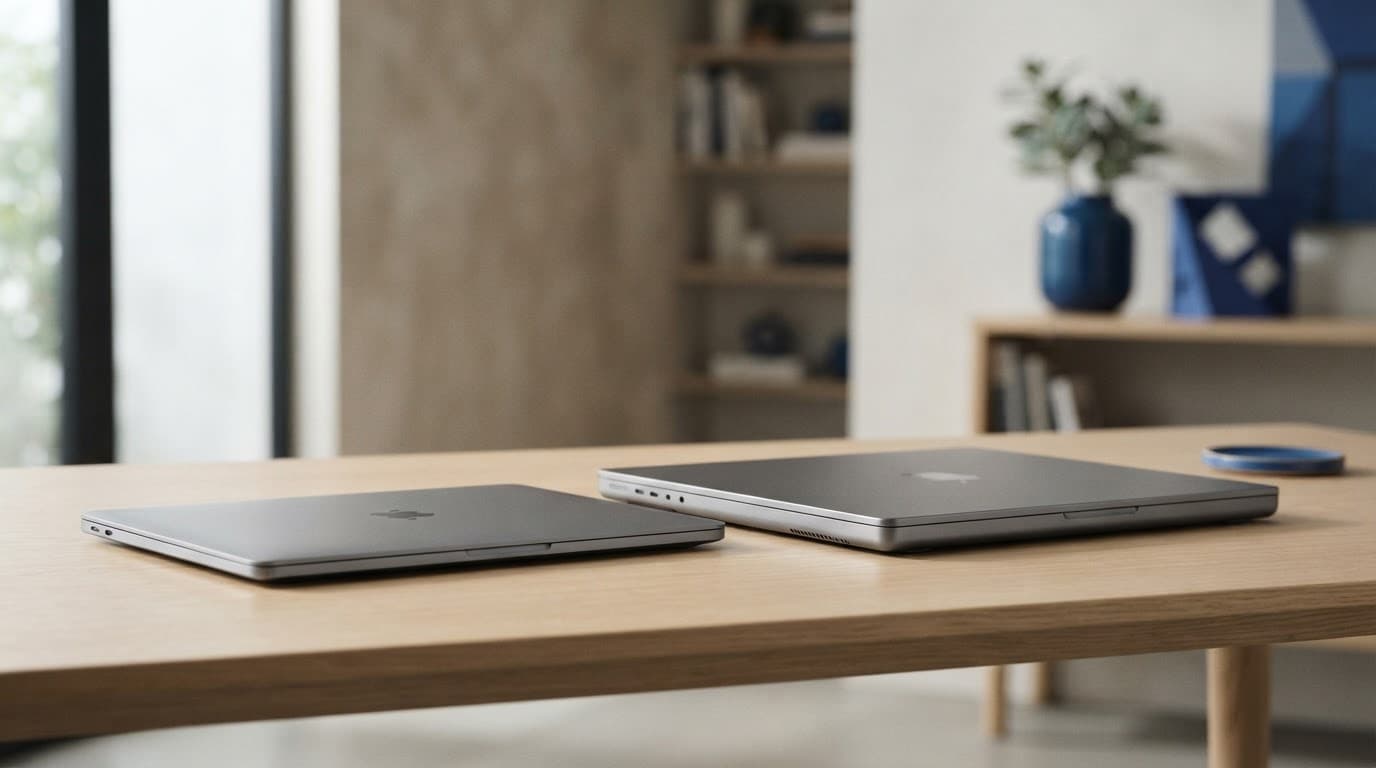
AI-generated image showing the size and design contrast between MacBook Air and MacBook Pro models.
MacBook Air suits most everyday buyers
The MacBook Air is thinner, lighter and fanless, so it runs without the whir of an internal cooling fan. That makes it particularly well suited to university work, commuting, office use and shared living spaces. The 13-inch model prioritises portability, whilst the 15-inch version provides more room for split-screen documents, spreadsheets and creative software.
With Apple silicon, everyday tasks feel immediate. Web browsing, video calls, document editing, streaming and light photo work place little strain on the hardware. Battery life is generally strong, although demanding apps, high screen brightness and many connected accessories reduce the time between charges.
The thin design has a clear limit. During long video exports, large software builds or extended 3D work, the Air can reduce its speed as heat builds because it lacks active cooling. That doesn’t make it unsuitable for occasional creative work, but professionals who repeat these tasks daily will benefit from a MacBook Pro.
For basic use, memory and storage often matter more than the most powerful chip. Additional memory helps when many browser tabs and applications remain open, whilst larger storage avoids relying on external drives or constant file management. A sensibly configured Air can therefore feel more practical than a faster model with cramped memory or storage.
MacBook Pro is built for sustained professional workloads
The MacBook Pro includes active cooling, allowing its processor to maintain high performance for longer sessions. That distinction matters in video editing, software development, music production, photography and other work that keeps the processor busy for hours rather than minutes.
Its display is also more advanced, with higher brightness, stronger contrast and smoother motion on supported models. The 14-inch version balances workspace and portability, whilst the 16-inch model suits editors, musicians and developers who benefit from a larger canvas. Pro models also provide a wider selection of ports, reducing the need for adapters when connecting storage, cameras or external displays.
Stronger speakers and greater performance headroom add to the professional appeal. However, these advantages are difficult to justify for light office work, streaming or standard university tasks. In those situations, the Air delivers the essential experience at a lower cost, leaving more of the budget for sufficient memory, storage or accessories.
What Makes MacBook Products Stand Out? Design, Performance and Software
MacBooks stand out through consistency rather than one isolated specification. The aluminium construction feels solid across the range, while the trackpad remains precise, the keyboard is comfortable for long typing sessions and the displays deliver sharp text with strong colour and brightness. Speakers are also better than many thin laptops, which improves video calls, films and music without making external audio essential.
That refinement explains much of the brand’s appeal. Apple has built a reputation for long software support, careful hardware design and products that behave in a predictable way. However, the premium price is easier to justify when those qualities solve a real problem, rather than simply adding status to a purchase.
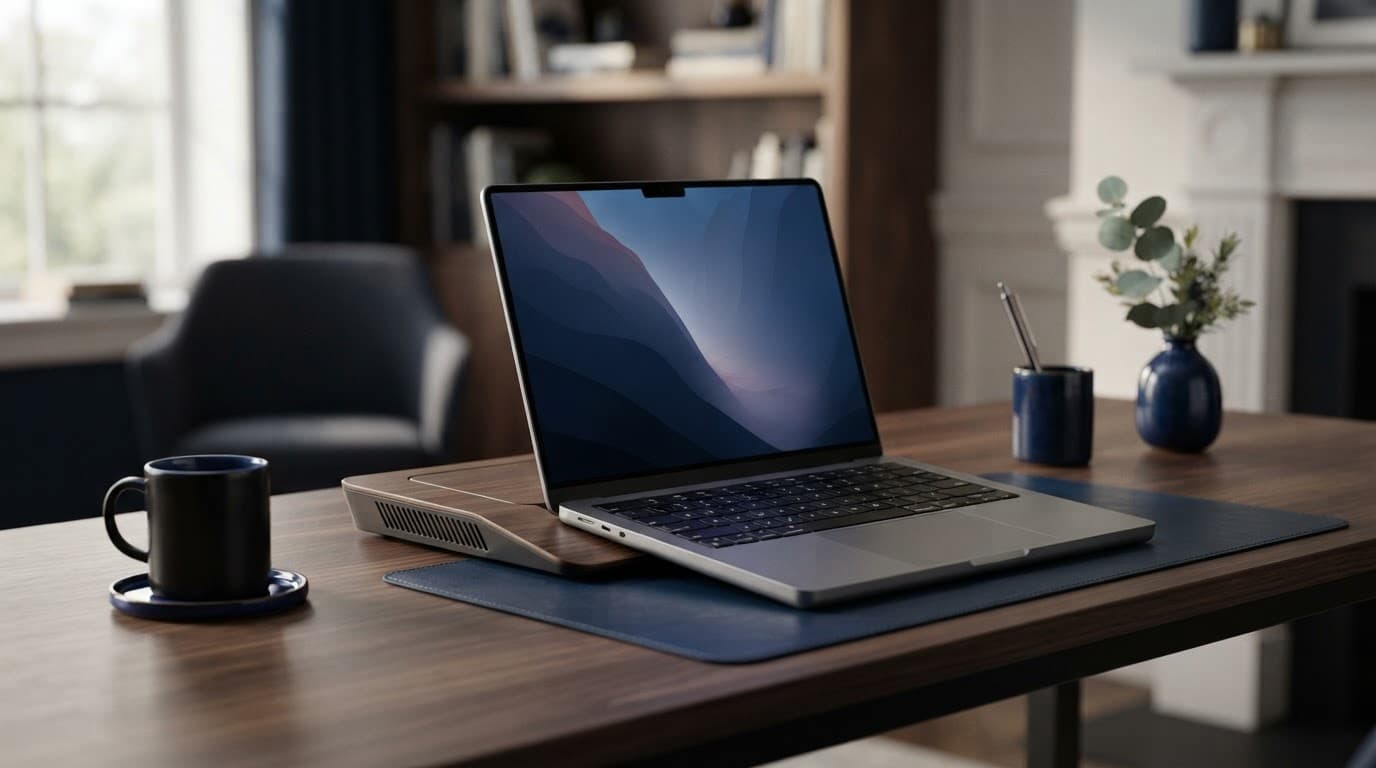
AI-generated image showing the design and performance contrast between MacBook models.
Apple silicon changed the balance between speed and battery life
The move from Intel processors to Apple’s own silicon changed how MacBooks handle everyday computing. Instead of relying on chips designed for a broad range of manufacturers, Apple developed processors around its hardware and operating system. The practical result is fast app loading, responsive multitasking and strong performance without the heat and power demands associated with many older Intel-based Macs.
Most MacBook Air models use a fanless design, so ordinary work takes place in near silence. MacBook Pro models add active cooling for sustained workloads, including video exports, software development and high-resolution media production. Both benefit from efficient processors, although the Pro can maintain higher speeds for longer periods.
Battery life remains a major advantage, but published figures are not a guarantee of identical real-world results. Screen brightness, frequent video calls, external displays, demanding applications and background processes can all shorten the time between charges. Software optimisation matters too, particularly when using specialist applications that have not been fully adapted for Apple silicon.
The Apple ecosystem is useful, but it can also increase costs
macOS becomes more convenient when paired with an iPhone or iPad. AirDrop can transfer files without cables, Universal Clipboard allows copied content to move between devices, and messages can appear across the same account. AirPods switch more easily between compatible devices, while an Apple Watch can help unlock a MacBook in suitable settings.
Those features save small amounts of time repeatedly, which explains why many people like Apple’s products. Yet the benefits depend on an existing workflow. Someone who mainly uses a MacBook alone gains less than a household already committed to iPhone, iPad and Apple services.
The financial trade-off is significant. Limited internal upgrades mean buyers must choose memory and storage carefully, while fewer ports on some models can create extra adapter costs. Niche Windows-only software may require a separate computer or workaround. A MacBook’s ecosystem is valuable when it removes friction, but it can become expensive when convenience encourages a complete collection of Apple devices.
MacBook Performance, Battery and Everyday Usability Tested in Context
MacBook performance is best judged by the work it handles repeatedly, rather than by benchmark figures alone. For UK students, commuters and home workers, the difference between the Air and Pro becomes clearest during long writing sessions, video calls, editing projects and travel.
For study, office work and travel, the Air often delivers enough power
A MacBook Air handles documents, web research, Microsoft 365, spreadsheets, streaming and video meetings with little fuss. Apple silicon makes applications open quickly, while the fanless design keeps the laptop almost silent in a library, meeting room or shared flat.
Its low weight also matters in daily use. The 13-inch Air is easier to carry between university lectures, offices and trains, whilst the 15-inch model offers more space for split-screen documents and spreadsheets. Battery life commonly covers a substantial working day, although brightness, video calls, Wi-Fi use, external displays and demanding applications reduce the time away from a charger.
Light photo editing, podcast preparation and short video projects are well within the Air’s abilities. However, the entry-level memory and storage options can become restrictive when large photo libraries, numerous browser tabs and several creative applications remain open together. Unified memory cannot be upgraded later, so a modest increase at purchase can protect the laptop’s useful life.

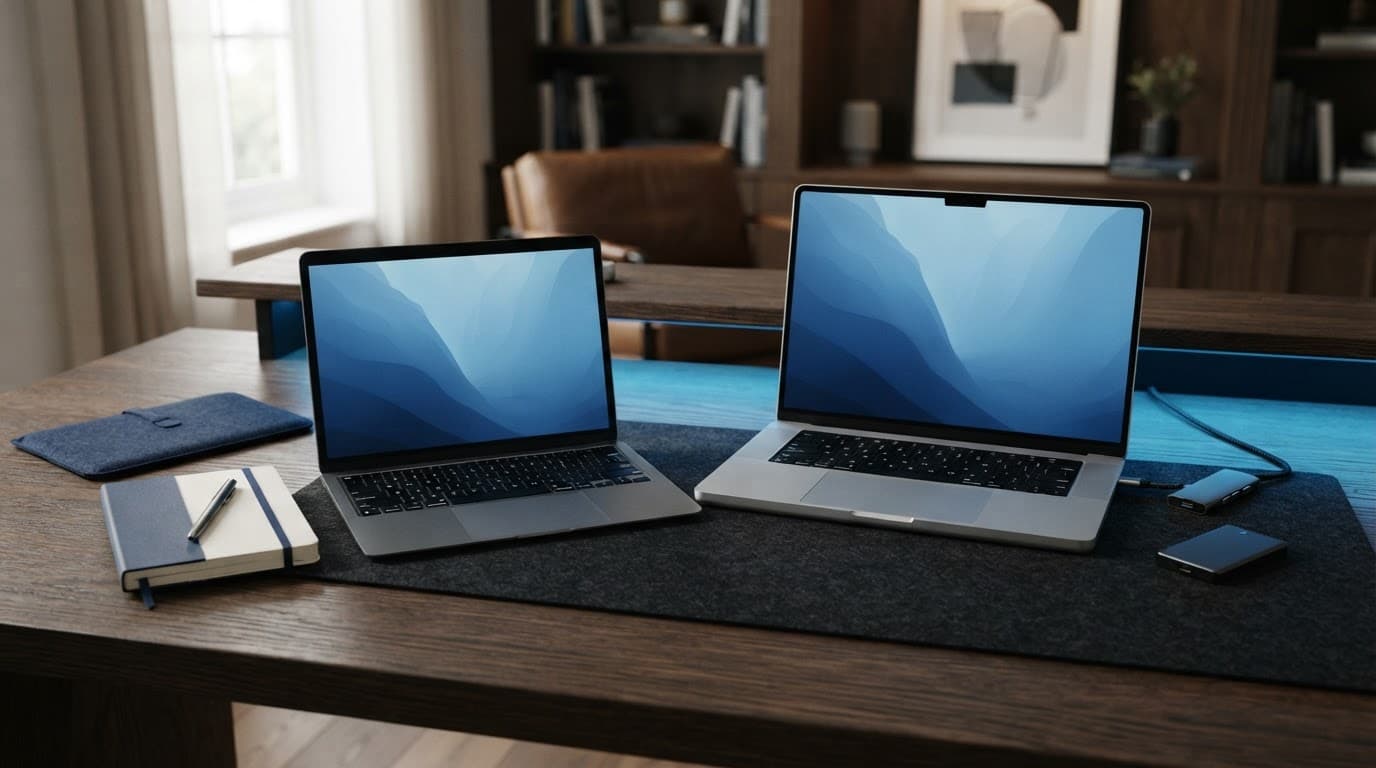
AI-generated image showing two MacBook-style laptops in a practical home-office setting.
For creative and technical work, configuration matters more than the logo
Professional users need to assess the whole specification, not simply choose a MacBook Pro because it carries the Pro name. Memory affects large image files, virtual machines and local development environments, whilst SSD capacity determines how comfortably video footage, sample libraries and project files can remain on the internal drive.
Active cooling gives many Pro configurations an advantage during long 4K video exports, complex video timelines, software builds and audio projects. The Air can feel just as fast during a short task, but sustained workloads may expose the difference between immediate speed and performance that remains stable for an hour.
Display size and quality also influence productivity. A larger Pro screen gives editors and musicians more working space, while higher brightness and contrast help with media work. Additional ports reduce reliance on docks for external drives, cameras, monitors and audio equipment. Even so, application support remains essential. Specialist software, plug-ins and virtualisation tools may have compatibility limits, so no MacBook Pro configuration is automatically suitable for every professional workflow.
The MacBook Products Worth Buying, and Which Are Worth Trying
MacBook value depends less on the badge on the lid than on how closely the specification matches the work. The MacBook Air is the likely default recommendation, while the MacBook Pro earns its premium when demanding tasks run for long periods. Previous-generation and refurbished models can also make sense, provided their condition and ownership history are clear.
AI-generated image showing MacBook-style laptops alongside practical desk accessories.
The best MacBook for most people is not the most expensive one
A MacBook Air suits writing, study, office software, browsing, video calls, streaming and occasional photo or video editing. The 13-inch model is easier to carry, whilst the larger-screen Air gives split-screen work more room without the weight and cost of a Pro. MacBook Pro becomes the sensible choice for regular video exports, software builds, 3D work, large audio projects or other sustained workloads.
The purchase should account for budget, portability and expected ownership period. A student travelling between lectures may value low weight more than extra processing power. Someone keeping the laptop for five years should prioritise memory and storage, because neither can normally be upgraded later.
| Best fit | Key strength | Likely compromise | Value position |
|---|---|---|---|
| 13-inch MacBook Air | Lowest weight and strong everyday performance | Smaller workspace and fewer ports | Best for mobile buyers |
| Larger-screen MacBook Air | More room for documents and split-screen work | Less compact than the 13-inch model | Strong all-round value |
| MacBook Pro | Sustained performance, better display options and more ports | Higher price and greater weight | Worth it for professional workloads |
Additional memory helps when browser tabs, creative applications and large files stay open together. More storage also reduces dependence on external drives, particularly for photographs, video footage and music libraries. By contrast, paying a large premium for a higher-tier chip offers limited value when the laptop will mainly handle documents and streaming.
USB-C hubs, external backup drives, protective sleeves and monitors can improve a MacBook setup, but none is automatically essential. Their cost should be included when comparing configurations, especially if a Pro’s extra ports would otherwise require several accessories.
Older and refurbished MacBooks can offer better value with careful checks
A recent previous-generation Apple silicon MacBook may remain fast for everyday work and receive macOS updates for years. It can offer a better-balanced specification than a new entry-level model, particularly when it includes more memory or storage. However, age matters less than condition and remaining battery capacity.
Before buying, the following checks reduce the risk of an expensive mistake:
- Check battery health and cycle information, then ask whether the battery has been replaced.
- Confirm the warranty, return rights and whether proof of purchase is available.
- Inspect the display for marks, bright spots, dead pixels and uneven backlighting.
- Test the keyboard layout, trackpad, ports, speakers, camera and charging connection.
- Confirm that the correct charger is included and inspect its cable for damage.
- Look for dents, cracks, liquid damage and signs of a poorly fitted repair.
- Ensure the previous owner has signed out of iCloud and removed Activation Lock.
A second-hand MacBook without a verifiable history may appear cheap but carry repair, lock or battery costs that erase the saving. Clear documentation and a realistic return option matter as much as the processor generation.
How to Buy an Apple MacBook Online Without Paying for the Wrong Specification
Buying a MacBook online gives UK shoppers more time to compare configurations than a quick in-store decision. It also provides access to price history, independent testing and older models, although misleading listings, grey imports and unclear returns can turn a low headline price into an expensive mistake.
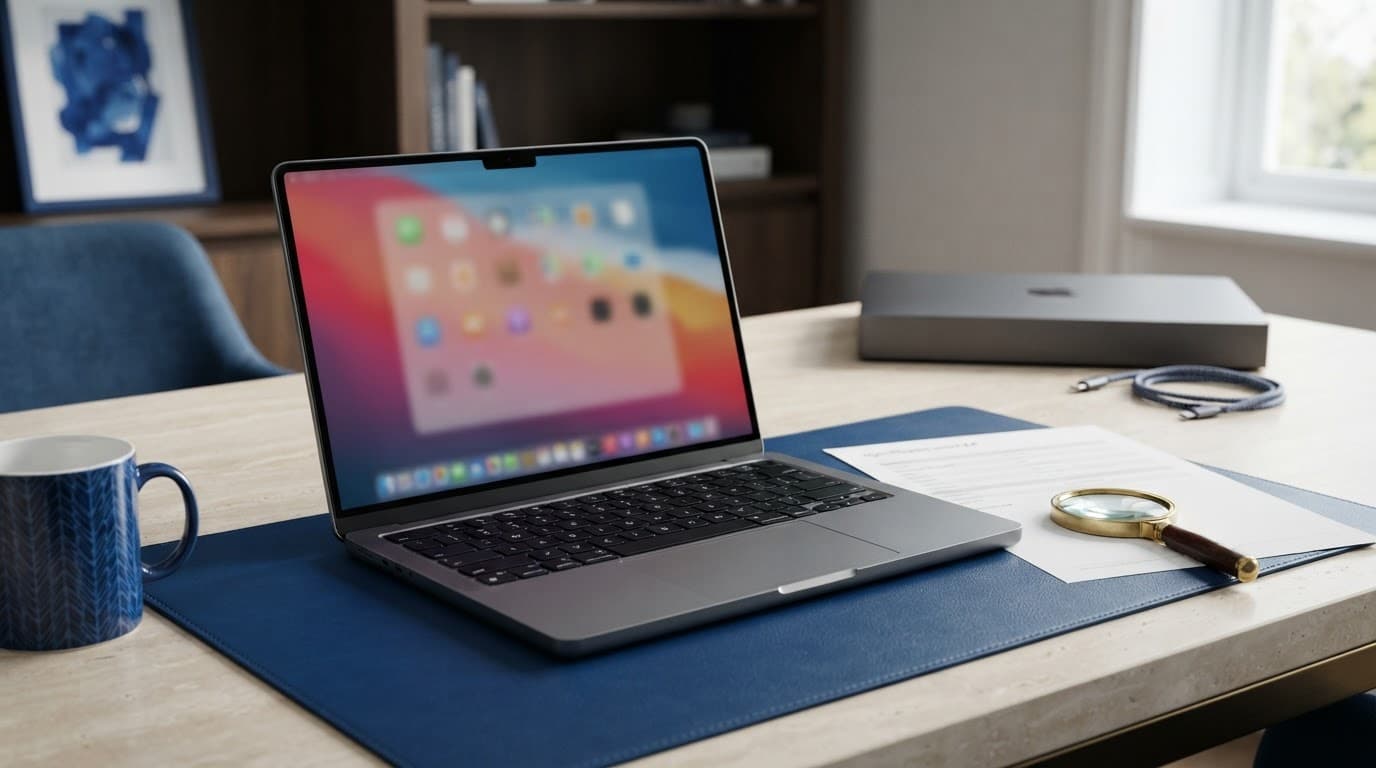
AI-generated image showing the checks involved when comparing MacBook specifications online.
Check the full specification before comparing prices
Similar-looking MacBooks can differ sharply beneath the aluminium casing. A price comparison is only useful when each listing matches on the chip, unified memory, SSD storage, screen size and port selection.
A low-cost MacBook Air with entry-level memory and storage should not be compared directly with a MacBook Pro containing a higher-tier chip, more memory and a larger SSD. The apparent saving may simply reflect a weaker specification. Display technology, battery condition on refurbished models, keyboard layout and included charger can also affect the real value.
Online buyers should record the complete specification for each shortlisted model, then compare like with like. A simple table can prevent an expensive error:
- Confirm the exact Apple silicon chip and number of processor or graphics cores where listed.
- Check memory capacity, since it normally cannot be upgraded after purchase.
- Check storage capacity and allow for software, photographs and project files.
- Verify whether the screen is 13, 14, 15 or 16 inches, rather than relying on a product photograph.
- Confirm the keyboard layout is UK English, particularly when considering imports or used stock.
- Check whether the MacBook is new, refurbished or used, and review the condition description.
The total cost should include delivery, adapters, extended cover, accessories and any specialist software. Seasonal promotions and education pricing can reduce the price, but the discount matters only when it applies to the required configuration.
Protect the purchase with sensible setup and ownership habits
After delivery, the owner should register the MacBook, sign in with a well-protected Apple Account and enable Find My Mac. A unique password and two-factor authentication reduce the risk of account takeover, while regular macOS updates address security issues and improve compatibility.
Backups are equally important. Time Machine with an external drive provides a practical routine, while cloud storage can protect selected files if the laptop is lost or damaged. Proof of purchase, serial number details and warranty information should remain accessible throughout ownership.
The manufacturer warranty generally covers faults and hardware failures within its stated terms. It does not normally cover accidental drops, liquid damage, theft or loss. Insurance may cover those events, but gadget policies vary widely and can include an excess, exclusions, claim limits and requirements such as a prompt theft report. Some also restrict cover for negligence, cosmetic damage or commercial use.
The policy wording matters more than the premium alone. A cheap plan with a high excess or limited replacement value may provide little protection when a costly MacBook is stolen or damaged.
MacBook Advantages and Drawbacks Compared with Windows Laptops and iPads
MacBooks appeal to buyers who want a polished laptop with dependable performance, long battery life and minimal maintenance. However, Windows laptops and iPads can offer better value when gaming, touch input, upgradeability, specialist software or a lower starting price matters more than Apple’s integrated experience.
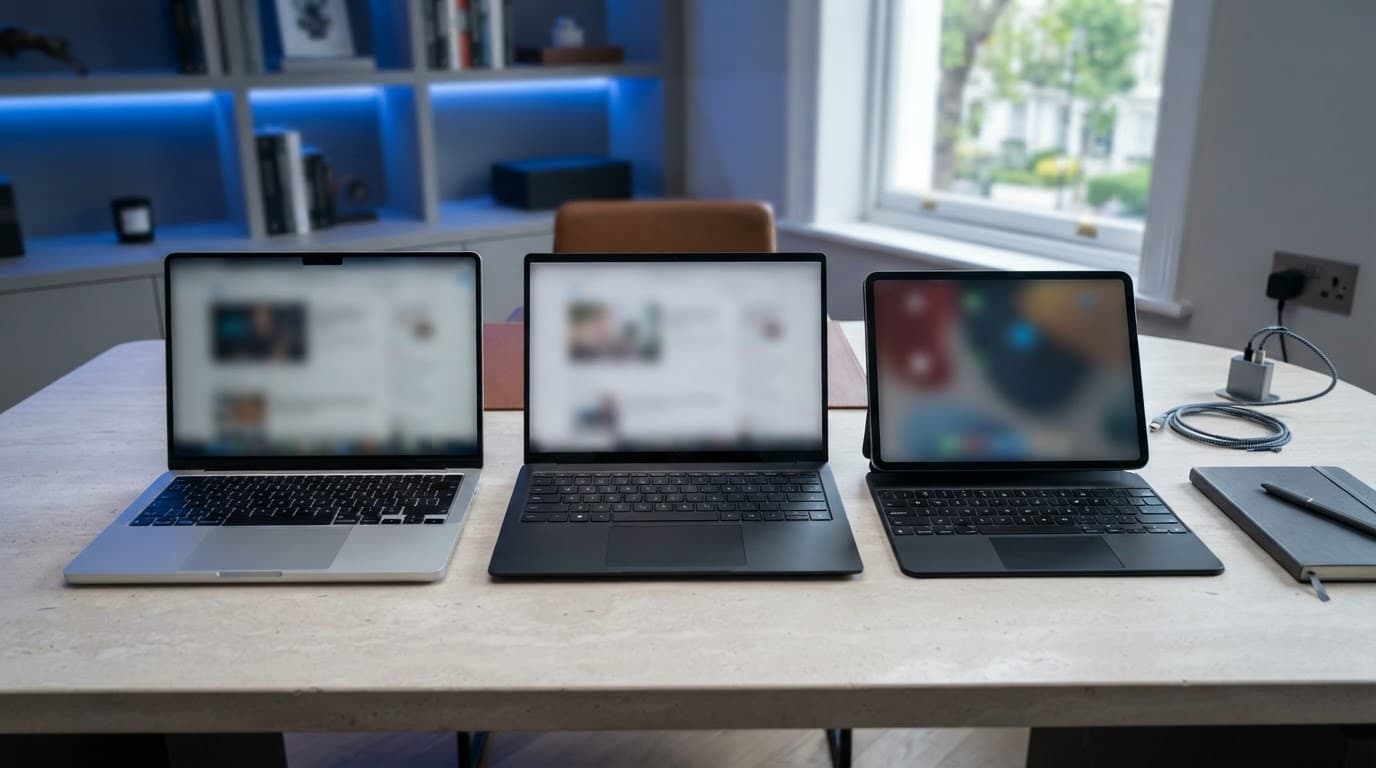
AI-generated image showing a MacBook, Windows laptop and iPad with keyboard in a premium office setting.
Why people choose MacBook despite the premium price
Apple’s appeal begins with consistency. The aluminium casing feels substantial, the trackpad is accurate and responsive, and the keyboard and display usually provide a refined experience for everyday work. Apple silicon also combines strong speed with efficient power use, so MacBook Air models can handle documents, browsing, video calls and media consumption without fan noise.
Long software support adds to the ownership case. Although the exact support period varies by model, Apple continues to update older Macs well beyond their launch year. That can make the initial cost easier to assess over several years, particularly when the laptop remains responsive after routine software updates.
Integration is another reason buyers stay with the brand. AirDrop, Universal Clipboard, iCloud, Messages and AirPods work most naturally when a household already owns an iPhone or iPad. These features save time rather than adding major technical capability, but repeated small conveniences can shape a person’s choice of computer.
MacBooks also retain a degree of resale appeal, especially when the battery, casing and screen remain in good condition. That does not make every expensive configuration good value. Memory, storage, ports, chip performance and repair costs still require a direct specification comparison.
| Category | MacBook strength | Where rivals may be stronger |
|---|---|---|
| Everyday use | Quiet, responsive performance and efficient battery life | Windows offers more price points |
| Hardware | Solid aluminium construction and excellent trackpad | Windows provides more ports and upgradeable designs |
| Software | Strong integration with Apple devices | Windows supports more workplace and specialist programmes |
| Portability | Light Air models with long battery life | iPad is easier to carry for casual use |
| Long-term value | Software support and possible resale appeal | Cheaper repairs or replacement parts may be available elsewhere |
The main reasons a MacBook may not be the right fit
Price remains the clearest drawback. Comparable Windows laptops can cost less, while discounts and refurbished options often create a wider range of specifications. MacBook memory and storage are normally fixed at purchase, so choosing a small configuration can create limitations later.
Port selection also varies. Some MacBook Air models rely heavily on USB-C accessories, whereas Pro models provide more useful connections. A Windows laptop may include HDMI, USB-A, Ethernet or a memory-card reader without requiring a hub.
Gaming is another weak point. Windows supports a much larger catalogue, wider graphics hardware choice and better compatibility with anti-cheat systems. Specialist business software, older applications and some workplace platforms may also work more reliably on Windows.
An iPad with a keyboard is lighter and often has excellent battery life for reading, note-taking, streaming and casual communication. Yet iPadOS remains less flexible for advanced file management, coding, virtual machines and full desktop creative applications. Official Apple repairs and replacement parts can also be costly, so perceived quality does not remove the need to budget for accidental damage, insurance excesses or eventual replacement.
Frequently Asked Questions
The Air and Pro serve different buyers, so value depends on workload, configuration and expected ownership period. These answers address the practical issues that often remain after comparing Apple MacBook models.
Is a MacBook Air good enough for university and office work?
Yes. A MacBook Air handles documents, web research, Microsoft 365, spreadsheets, video calls, streaming and light photo editing without difficulty. Its quiet, fanless design also suits libraries, offices and shared homes.
Extra memory becomes sensible when many browser tabs, large spreadsheets and several applications stay open together. More storage is useful for students and office workers who keep photographs, downloaded files or project folders locally, rather than relying on cloud storage.
Is a MacBook Pro worth the extra money?
A MacBook Pro is worth considering when work involves sustained video exports, software builds, 3D applications, large audio projects or demanding photo workflows. Active cooling helps it maintain performance during long sessions, while its higher-quality display and wider port selection suit professional setups.
For documents, browsing and ordinary video calls, the Pro is not automatically better value. The extra cost may be more useful when allocated to additional memory, storage, a monitor or insurance for an Air.
How long should an Apple MacBook last?
There is no fixed lifespan, because useful life depends on the model’s build quality, battery condition and changing workload demands. A well-maintained Apple silicon MacBook can remain suitable for everyday work for many years, provided its software continues to support the applications required.
Battery capacity gradually declines with charging cycles, while newer programmes may demand more memory or graphics performance. Regular macOS updates, sensible charging habits, protection from liquid and a reliable backup routine can all extend practical ownership.
Can a MacBook run Windows software and games?
Compatibility varies according to the application, Apple silicon architecture and available support tools. Some Windows software has a macOS version, while virtualisation or compatibility layers can run selected programmes with varying performance and reliability.
Specialist business software, older workplace systems, engineering tools and modern games require careful checking before purchase. Windows still offers broader game support and wider compatibility with anti-cheat systems, drivers and dedicated graphics hardware.

AI-generated image showing a MacBook comparison setup with storage and connectivity accessories.
How much MacBook storage and memory does a typical buyer need?
For basic browsing and office work, 8GB of memory and 256GB of storage can be a starting point, although 16GB and 512GB provide more headroom for longer ownership. Students often benefit from 16GB memory and at least 512GB storage if they manage large course files or creative projects.
Photographers may need 1TB or more, while professional video editors and music producers often require substantially larger internal storage or fast external drives. MacBook memory and storage generally cannot be upgraded later, so the purchase configuration matters more than a small saving today.
Is buying a refurbished MacBook safe?
A refurbished MacBook can offer strong value when a reputable refurbishment process includes functional testing, accurate condition grading and a clear warranty. The listing should state battery health or provide battery information, include proof of purchase and offer understandable return rights.
Before accepting the device, the buyer should confirm that the previous owner removed their Apple Account and Activation Lock. A low price is not sufficient if the MacBook’s repair history, battery condition or ownership record remains unclear.
Conclusion
The Apple MacBook range remains compelling because it combines efficient performance, strong battery life, solid build quality and useful integration with iPhone, iPad, AirPods and Apple Watch. Those are the qualities people tend to value most, although premium pricing, limited memory and storage upgrades, fewer ports on some models and software compatibility limits can weaken the value case.
The MacBook Air is the best match for study, office work, browsing and everyday creative tasks. The larger-screen Air suits users who need more workspace without the extra weight and cost of a Pro, whilst the MacBook Pro is better suited to sustained video editing, software development, music production and other demanding workloads. The iPhone and iPad remain the brand’s essential companion products, while AirPods and Apple Watch are worth trying when cross-device convenience matters.
Buying online can improve the choice of configurations and make price, warranty, delivery and return terms easier to compare. Careful research often has more effect on value than selecting the newest model, particularly when a previous-generation or refurbished MacBook offers more memory or storage. The finished article should include at least three clearly labelled AI-generated images, each sized to the text width and optimised for desktop and mobile. MacBook’s strength is consistency, but its place in a changing laptop market depends on whether that refinement justifies the cost and restrictions for each buyer.
Explore More Buyers Guides & Reviews
For a list of our main buyers guides use the drop-down menu at the top of the page. Topics related to this article are:
Kitchen Appliances Buyers Guides
–
Explore Our Blog Categories for Expert Buying Advice
- AI Powered Product Finder Tools (25)
- Expert Buying Guides & Shopping Tips for UK Shoppers (1,431)
- Brands & Designer Products (Men, Women & Electronics) (285)
- Designer Fashion Brands: Buyer’s Guides & Reviews (163)
- Electronic Brands: Buyers Guides & Reviews (88)
- Apple Products Buyer’s Guides & Reviews (25)
- Brands – Phones, Laptops, PC”s, Tablets | Buyer’s Guides & Reviews (42)
- Electronics – Tablet & iPad Reviews and Buyers Guides (11)
- Kitchen Appliance Brands: Buyer’s Guides & Reviews (22)
- Laptop Brands & MacBooks Buyer’s Guides & Reviews (9)
- Phone Brands & iPhones Buyer’s Guides & Reviews (23)
- Car Buying & Financing Made Easy | Expert Guides for the UK (89)
- Clothing, Fashion & Accessories Buying Guides UK (496)
- Beauty, Health & Wellness | Perfume, Skincare, Makeup & Wellbeing Guides (183)
- Footwear: Trainers & Shoes Buyers Guides (49)
- Jewellery: Expert Reviews, Trends & Buying Guides (73)
- Men's Clothes — Buyers Guides & Reviews (39)
- Men’s Clothes, Fashion & Accessories Guides UK | Latest Trends & Smart Shopping (167)
- Women's Clothing Buyers Guides — Dresses, Tops & More (194)
- Women’s Clothes, Fashion & Accessories Guides UK | Latest Trends & Smart Shopping (435)
- Electronics, Tech & Gadgets: Reviews, Deals & Buying Guides UK (173)
- Furniture Buyer’s Guides | Home & Garden & Styling Tips (326)
- Bedroom Furniture Guides UK | Expert Tips & Best Value Deals (93)
- Garden Furniture, Landscaping & Garden Rooms Guides UK | Expert Tips & Best Value Deals (169)
- Garden Sofa & Sofa Sets Buyers Guides (11)
- Garden Tables & Chairs: Sets, Individual Tables & Seating Buyers Guides (53)
- Home Furniture, Décor & Interior Design Guides UK | Styling Tips & Inspiration (169)
- Living Room Furniture, Design & Décor Guides UK | Styling Tips & Inspiration (57)
- Sofa & Sofa Beds Buyers Guides (19)
- Sofa Beds Buyers Guides (7)
- Sofa Buyers Guides & Expert Advice (11)
- Holidays & Travel: Hotels, Villas & Flights (161)
- Home & Garden Improvements | Renovations & Outdoor Transformation Guides (102)
- Insurance & Protection: Travel, Landlord, Gadget & More UK (159)
- Gadget Insurance UK | Expert Guides, Reviews & Smart Protection Tips (33)
- Home Emergency Cover UK | Expert Guides, Reviews & Practical Protection Tips (21)
- Landlords Insurance UK | Expert Guides, Reviews & Smart Protection Tips (31)
- Travel Insurance UK | Expert Guides, Reviews & Money-Saving Tips (34)
- Pets: Guides, Tips & Inspiration (26)
- Brands & Designer Products (Men, Women & Electronics) (285)
- Gifts for Everyone: Ideas for Every Occasion & Budget (49)