Our verdict: consider the original Google Pixelbook only as a low-cost secondary laptop with active update support; choose a newer Chromebook for dependable long-term use.
This Google Pixelbook review covers the 2017 convertible and assesses its specifications rather than claiming fresh hands-on testing. The Pixelbook’s design remains attractive, but battery condition and remaining software supportmatter more than its original premium status.
For UK buyers considering a second-hand Google Pixelbook in October 2026, the update situation needs particular attention before the hardware makes its case.
Key Takeaways
- The original Pixelbook combines a sharp 12.3-inch touchscreen, convertible hinge and lightweight aluminium construction.
- Its older Intel processors suit modest browser-based work, but shouldn’t command a premium used price.
- Google lists extended updates until August 2027; opting into extended updates removes Android apps and Google Play.
- Battery health, account restrictions and physical condition determine whether an individual used example is worthwhile.
- A newer supported Chromebook offers better long-term value for study, work and regular online use.
Google Pixelbook review: what you get from this premium Chromebook
Google launched the original Pixelbook in 2017 as a premium Chromebook, with UK pricing starting at £999 and a US launch price of $999. Its goal was to bring premium materials and display quality to browser-focused computing.
Chrome OS centres on Chrome, web apps and Google services. It gives users straightforward access to Google Docs, Google Drive and Photos, with a simpler operating system than many buyers need on a Windows laptop. A dedicated keyboard key gives quick access to Google Assistant.
Google’s Pixel phones and Pixel Buds are useful companions if you favour its services, but neither is essential.
The original Pixelbook range included an Intel Core i5 model with 8GB RAM and 128GB or 256GB storage. The Intel Core i7 version came with 16GB RAM and 512 GB storage. Used availability varies, and Google no longer sells this laptop as a current product.
The design, display and Pixelbook Pen
The 12.3-inch touchscreen has a 2400 x 1600 resolution and a 3:2 aspect ratio. Its taller shape gives documents and webpages more vertical space than a widescreen display.
The 360-degree hinge supports laptop, tent and tablet positions. At 1.1 kilograms and 10.3mm thick, it remains portable, though tablet mode feels heavier than a dedicated tablet.
The aluminium body, glass lid panel and silicone palm rests give it a distinctive look and premium build quality. The optional Pixelbook Pen works as a stylus for handwriting and drawing in compatible apps. Its usefulness depends on software support, and it isn’t needed for ordinary document work.
How it differs from the Pixelbook Go
The Pixelbook Go arrived in 2019 as a conventional clamshell Chromebook. Its screen doesn’t fold backwards into tablet mode, and its specifications differ from the original.
These are separate products with separate update schedules. A listing labelled only “Pixelbook” needs an exact model description because the Go’s age, display options and remaining support don’t apply to the 2017 convertible.
How the Pixelbook performs for work, study and everyday use
The original hardware in this Chromebook remains suitable for modest workloads. However, its specifications describe a nine-year-old platform, so expectations should reflect its age.

Home use with a Pixelbook-style laptop. Image created using AI.
Processor, memory and ChromeOS experience
The available seventh-generation Intel Core i5 and Intel Core i7 processors predate current Chromebook hardware by several generations. An i7 badge alone doesn’t make this a strong buy today.
With 8GB RAM, everyday browsing, documents and occasional video calls remain reasonable expectations. The 16GB version gives applications more memory, but doesn’t remove processor limitations.
Chrome OS supports web applications and compatible Android apps where Google Play remains available. Extended-update settings affect that availability. Desktop Windows and macOS applications don’t simply install on Chrome OS, so specialist software requirements can rule it out.
Battery life, keyboard and connections
Google originally claimed up to 10 hours of battery life. That launch figure isn’t a dependable estimate for a used example in 2026.
Battery wear, screen brightness and video calls can substantially shorten unplugged use. A machine that works normally beside a socket may still have short battery life.
The backlit keyboard, dedicated Google Assistant key and trackpad provide conventional laptop controls. Two USB-C ports handle charging and compatible peripherals, whilst a 3.5mm socket accommodates wired headphones. USB-A accessories and HDMI displays require suitable adapters because those sockets aren’t built in.
Would it suit a university student or home worker?
Its low weight and taller display suit reading, essay writing and browser-based administration. The convertible hinge also helps when reviewing material away from a desk.
However, course requirements take priority. Engineering software, specialist statistics packages and applications mandated by an employer may require Windows or macOS.
For a university purchase expected to last several academic years, we’d choose a newer supported device over the Pixelbook. Anyone handling confidential work should also prioritise an adequate update lifespan over its attractive construction.

University study with a Pixelbook-style laptop. Image created using AI.
The biggest advantages and drawbacks of owning a Google Pixelbook
The update deadline needs an accurate distinction. June 2024 was the original deadline, but Google’s extended-update policy lists August 2027 for the Pixelbook.
Extended updates require opting in and remove Google Play and Android apps. Therefore, support remains possible, but with a software trade-off and less than a year remaining in October 2026.
What still makes the Pixelbook appealing
- The high-resolution, 3:2 touchscreen gives reading and document work a useful amount of vertical space.
- Its folding hinge supports several viewing positions without requiring a separate keyboard accessory.
- The slim aluminium construction remains distinctive beside many budget plastic Chromebooks.
These are meaningful strengths for someone who values the original design. ChromeOS also reduces the complexity of routine browser-based tasks.
However, attractive materials don’t establish reliability. A well-kept exterior can conceal a tired battery or faulty port, so the condition of the individual machine matters more than the reputation of the model.
What could make you regret buying one
- Its short remaining support window limits the value of buying it for several years of online use.
- Ageing batteries, worn hinges and damaged USB-C ports can turn a cheap purchase into a repair problem.
- ChromeOS software restrictions remain relevant, and extended updates introduce additional limits for Android users.
After updates finish, security fixes stop arriving through that supported route. Over time, browser compatibility and access to services can also become less dependable.
A working laptop and a securely supported laptop are different things; a factory reset doesn’t restart its update lifespan.
Repair costs can outweigh the value of an inexpensive used machine. Paying extra for the original flagship specification is particularly hard to justify when newer supported hardware is available.
Second-hand prices, safer online buying and alternatives
This Pixelbook review also assesses second-hand buying, as the original model is now primarily a used purchase. UK Pixelbook prices depend on configuration, cosmetic condition, battery health, accessories and the seller’s terms.
There isn’t one dependable current price across that market. Its original £999 starting price offers historical context, not a reason to accept a high used asking price.
What to check before buying a used Pixelbook
Before buying a used Pixelbook, establish whether the listing describes the original convertible or a Pixelbook Go. Then match the processor, RAM and storage to the advertised configuration.
Inspect the touchscreen for damage and dead areas. Test the hinge, keyboard, trackpad, both USB-C ports and charging. A battery-health reading and evidence of unplugged operation are more useful than an unsupported “excellent battery” claim.
The device should reach normal setup without a previous owner’s account or organisational management restriction. A factory reset alone doesn’t remove every management restriction.
Online buying widens selection and makes comparisons easier. However, compare total delivered cost, condition descriptions and returns terms, including who pays return postage.
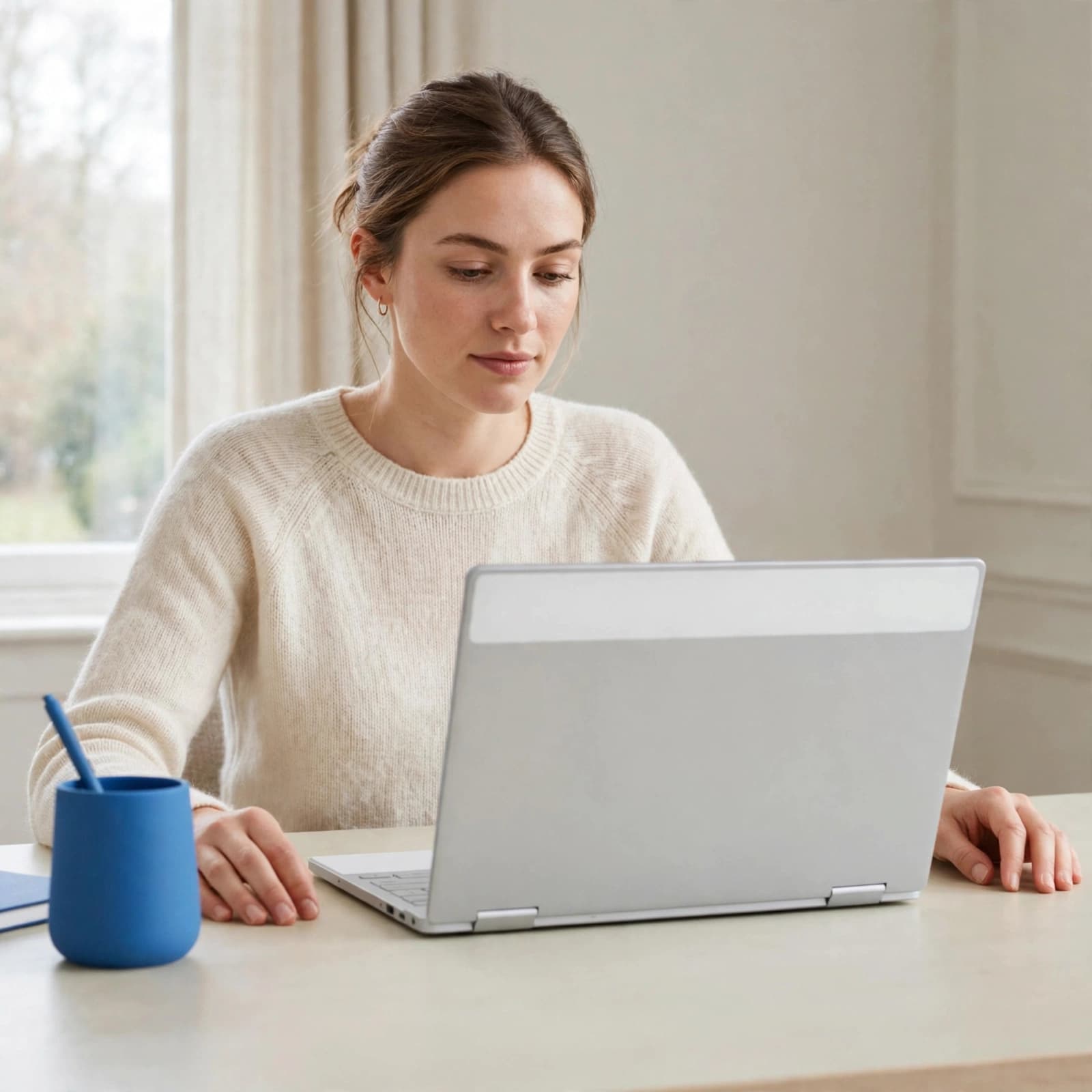
Working with a Pixelbook-style laptop. Image created using AI.
Which alternatives offer better long-term value?
A newer supported Chromebook generally makes the stronger everyday purchase. Chromebook Plus models have a baseline of 8GB RAM and 128GB storage, so buying newer needn’t mean accepting minimal specifications.
The Acer Chromebook Plus 514 and Lenovo IdeaPad Flex 5i Chromebook Plus are useful alternatives. The Lenovo also offers convertible flexibility, although its size and weight differ.
The Pixelbook Go remains a separate older option. Google lists its automatic updates until August 2029, giving it a longer published support window than the original.
Choose according to required applications, budget and intended ownership period. If essential software requires Windows or macOS, buying a Chromebook cheaply won’t solve that requirement.
Frequently Asked Questions
Is the original Google Pixelbook still supported?
Google lists extended automatic updates until August 2027. June 2024 was its original deadline, which later changed. Extended updates require opting in and remove Android apps, so that support comes with an important limitation.
Can you still buy a new Google Pixelbook?
Google no longer sells the original Pixelbook as a current product. Listings may describe unused or old stock as “new”, but that doesn’t restart the software-support timetable. Age also matters to battery condition, even when a laptop has seen little use.
Does the Google Pixelbook work with Android apps?
The Pixelbook originally supported compatible Android applications through Google Play. However, opting into extended updates removes Android apps and their associated data. Even where Android support remains available, individual app compatibility and performance vary.
Is the Pixelbook Pen included?
The Pixelbook Pen was an optional accessory, not standard equipment with every laptop. A second-hand purchase includes it only when the listing expressly says so. Its absence shouldn’t deter buyers who primarily browse, type or use video calls.
Final verdict: buy for the design, skip for longevity
Buy it if you want an inexpensive secondary machine, value the convertible design and accept its short remaining support window. Its display and portability still give it appeal for limited use.
Skip it if you need a dependable main laptop for university, confidential work or several years of online access. Our recommendation is a newer supported Chromebook with enough memory and the applications you need.
This Pixelbook review finds the design has aged better than the buying case.