A mobile phone used to do two things well: calls and texts. Now they’re your camera, sat nav, wallet, boarding pass, work inbox, and the thing that holds your family group chat together.
That’s great, until it’s time to buy a new one. Specs look like alphabet soup, contracts hide the real cost, and every advert for phone deals claims you “need” more than you do.
This guide is for UK shoppers who want a phone that fits real life. You’ll learn how to choose the right type, such as SIM-free mobile phones as an alternative to contracts, which features matter, how to cut the total cost, and the simple security steps worth doing on day one.
What kind of mobile phone do you need? Start with your daily use
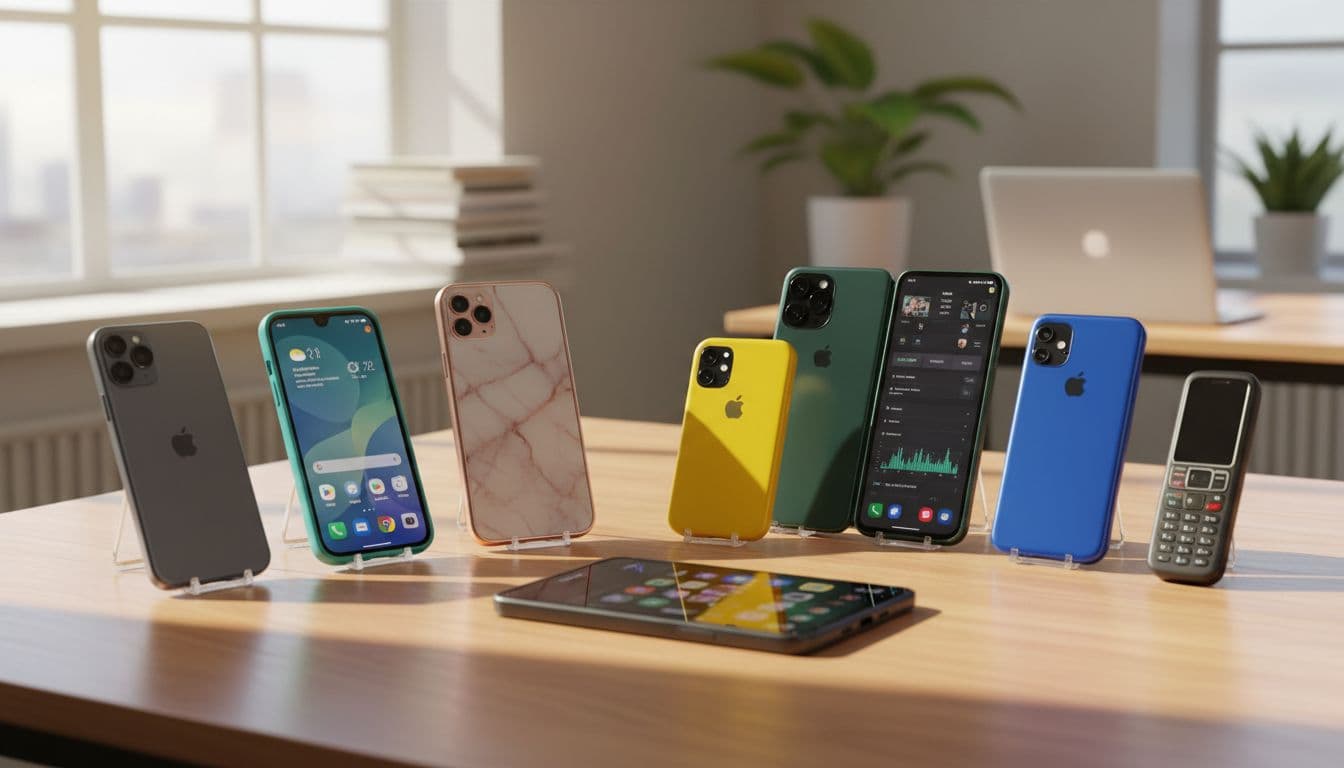 Different phone types and sizes suit different routines, this image was created with AI.
Before you compare cameras and processors, start with one question: what do you actually do on your phone most days?
A few quick examples that cover most buyers:
- Student: long days, lots of messaging, lecture notes, and cheap data. Battery and durability matter more than a fancy zoom lens.
- Family phone: photos, shared calendars, banking, school apps. You’ll want a solid camera, plenty of storage, and easy backups.
- Older user: clear sound, bigger text, simple layouts, and reliable calling. Comfort wins over bragging rights.
- Commuter: maps, contactless payments, podcasts, and quick charging. A bright screen helps on sunny platforms.
- Gamer: smooth performance, good cooling, and a responsive screen. Battery will take a hit, so charging speed matters too.
- Content creator: stable video, good mics, colour-accurate screen, and lots of space for files.
The best phone isn’t “the best on paper”. It’s the one that fits your habits, your budget, and your hands.
Smartphone vs basic phone, which one fits you?
A smartphone is a pocket computer. It runs apps, uses the internet, handles maps, does video calls, and can replace a camera for day-to-day life. An unlocked smartphone adds flexibility by letting you switch networks easily. It also tends to offer strong accessibility tools like text scaling, screen readers, hearing aid support, and voice control.
A basic phone is built for simplicity. You’ll usually get physical buttons, a smaller screen, and fewer distractions. The biggest win is often battery life, with some lasting days between charges. They can also feel less stressful to use.
Some people keep a basic phone as a backup for travel, festivals, or emergencies. If your smartphone breaks or runs out of battery, a charged basic phone can be a quiet lifesaver.
Android vs iPhone, what is the real difference?
At a high level, both do the same job: calls, messages, apps, photos, payments, and browsing. The difference is the feel, the price range, and how they fit with your other kit.
Android smartphones, such as the Samsung Galaxy or Google Pixel, come in a wide spread of prices and styles, from low-cost models to premium devices. You get lots of choice on screen size, battery size, and camera setups. Updates vary by maker and model, so it’s worth checking how long the phone is supported.
Apple iPhone models tend to have a more uniform look and menu style, and updates usually arrive widely at the same time. The range is smaller, which some people find reassuring when choosing.
A practical tip: if your household already uses one type, it can be easier to stick with it. It means shared chargers and cables are more likely to match, and friends or family can help when settings go missing.
Mobile phone features that matter most (and what specs actually mean)
Specs are only useful if they translate into something you notice. Here’s the shopper-friendly version of what matters for most people in the UK: battery, camera, screen, storage, speed, durability, 4G UK coverage, and 5G connection.
Battery life, charging speed, and what to expect day to day
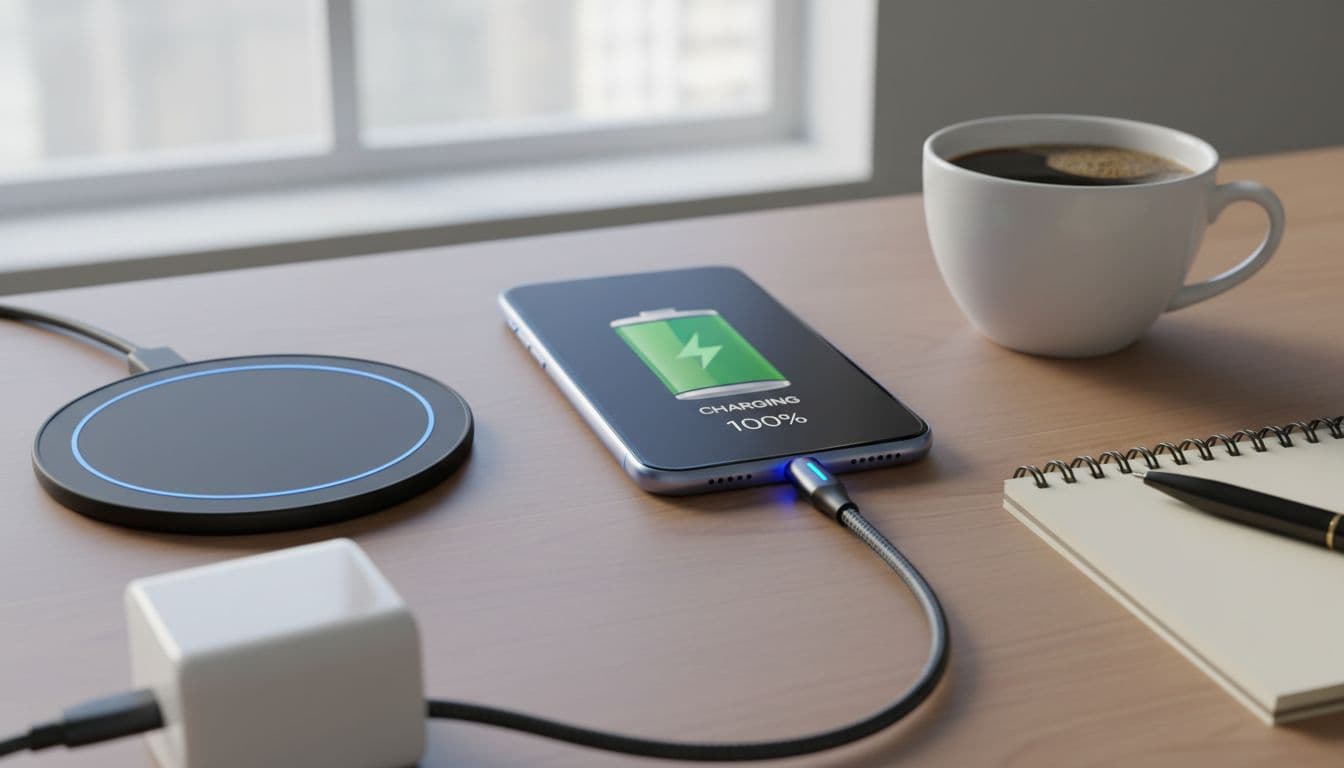 Battery life depends on how you use your phone, this image was created with AI.
Battery capacity is measured in mAh. Bigger numbers often help, but they’re not the full story. A large, bright screen can drain a big battery faster than you expect. So can constant 5G connection use, gaming, video calls, and background apps.
What “all-day battery” tends to mean in real life:
- Light use (calls, messages, some browsing): you should get through the day easily.
- Mixed use (photos, maps, streaming): you’ll probably want a top-up by evening on smaller phones.
- Heavy use (gaming, lots of video): expect charging at some point, no matter the model.
Fast charging is about how quickly you can get useful battery back. For many people, the sweet spot is being able to grab 30 to 50 percent during breakfast or before you leave the house. Wireless charging is convenient on a bedside table, but it’s usually slower and can create more heat.
Simple battery care that actually helps:
- Keep your phone away from extreme heat (hot cars, sunny window sills).
- Don’t leave it at 100 percent for hours every day if you can avoid it.
- If it gets hot while charging, remove thick cases for that session.
Camera quality without the hype: photos, video, and low light
 Low-light photos are where phones often show the biggest differences, this image was created with AI.
Megapixels are easy to advertise, but they don’t guarantee better photos. The lens quality, sensor size, and image processing matter just as much, and sometimes more.
Most phones now use multiple cameras:
- Main camera: your go-to for everyday shots. This is the one to prioritise.
- Ultra-wide: great for landscapes, group photos, and tight rooms, but it can look softer.
- Zoom (telephoto): useful for kids’ sports, gigs, and travel, where you can’t get closer.
For video, look for stabilisation. If you film while walking, good stabilisation is the difference between “watchable” and “bin it”.
A quick test checklist when comparing phones:
- Take a photo indoors near a window, then in a darker corner. Check skin tones and noise (grain).
- Try a moving shot (a pet, a bus passing). See if it blurs.
- Zoom to 2x and 5x, then look closely at text on a sign.
- Take one selfie in daylight and one under warm indoor lighting.
- Record a short video, then listen back with and without wind.
If photos matter to you, trust your eyes more than spec sheets.
Storage, memory, and speed: avoiding slow phones and full space
Storage (GB) is where your apps, photos, videos, and downloads live. RAM size is the short-term working space that helps apps stay open without stuttering.
A phone can feel “slow” for a few common reasons: not enough RAM, too little free storage, or a weaker processor struggling with newer apps.
Practical storage guidance:
- 64GB: can work for light users, but fills fast with photos and updates.
- 128GB: a safer starting point for most people.
- 256GB or more: helpful if you film lots of video, download music, or keep big games.
Also remember: system updates take space. If your storage is always near full, updates can fail, and the phone may slow down.
Cloud storage can help, but it’s not magic. It can mean monthly fees, and you’ll need a good connection to fetch older photos quickly. A balanced approach works well: keep recent photos on the phone, back up the rest.
Screen size and quality: comfort, brightness, and durability
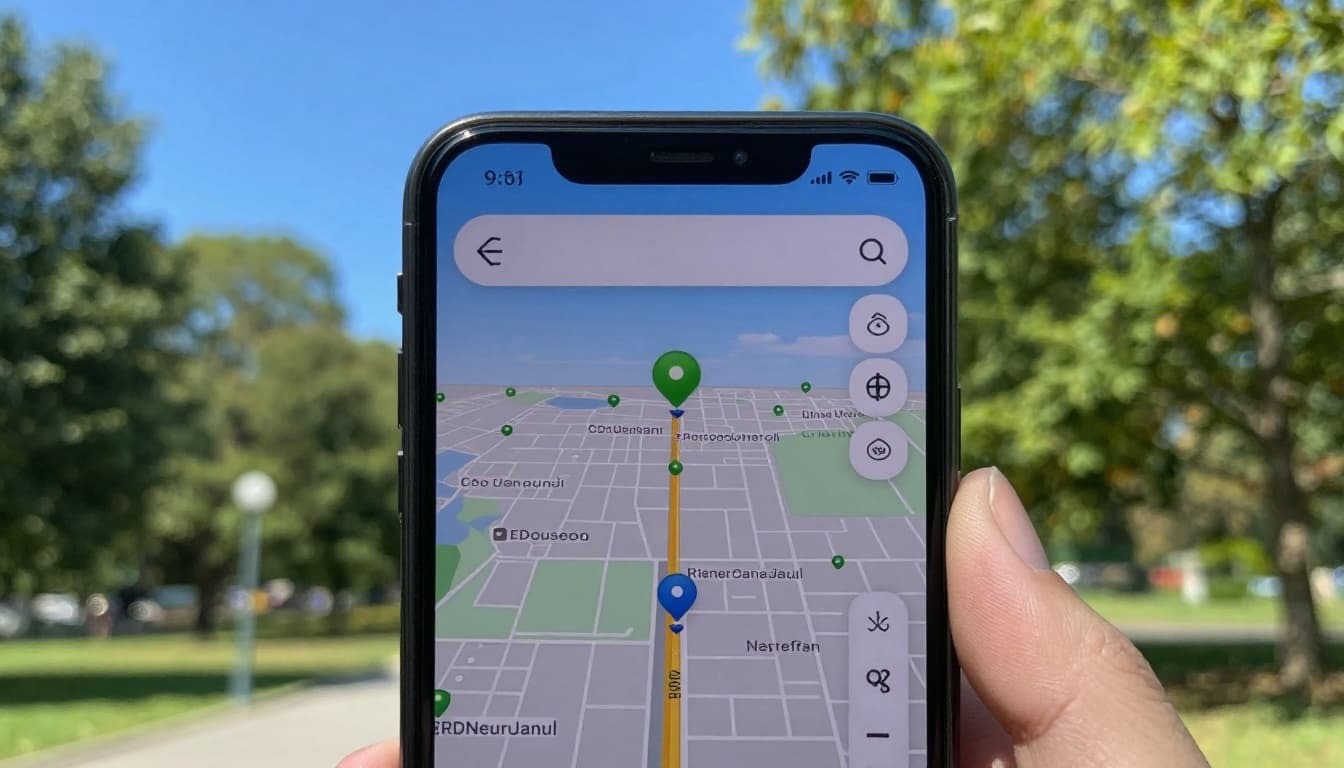 Bright screens are easier to read outdoors, this image was created with AI.
Screen size is a comfort choice. Smaller phones are easier for one-hand use and pockets. Larger screens are better for reading, video, maps, and typing, but they can feel awkward on the move.
Screen quality shows up most in three places:
- Brightness: higher brightness makes maps and messages readable outside.
- Display resolution and colour: helpful for photos and video, but most mid-range phones are “good enough” here.
- Refresh rate: this affects how smooth scrolling feels. Higher refresh rates can look nicer, and they can use more battery.
Durability matters more than many people admit. A decent case and screen protector often cost less than one screen repair. If you’re clumsy, buy protection at the same time as the phone, not “later”.
Accessibility is also part of screen comfort. Check:
- Text size and display scaling
- High-contrast modes
- One-hand mode (useful on bigger phones)
How to buy a mobile phone in the UK and save money
Buying well isn’t about finding a secret deal. It’s about knowing the total cost, choosing the right payment type, and avoiding extras you won’t use.
Start with a firm budget, then compare your options using the same yardstick: what will you pay over the time you expect to keep the phone? Also check what you already own. You might not need new chargers or a USB cable, and some phones no longer include them in the box. Confirm SIM size support (physical SIM, eSIM, or both), look for Wi-Fi Calling if you live in a spot with weak indoor signal, check network coverage in your area, and consider roaming fees if you travel abroad.
Pay monthly vs pay as you go: which is cheaper for you?
Pay monthly deals spread the cost over the contract length. They can be easier on cash flow, and you often get bigger data allowances. The trade-off is less flexibility and you may need a credit check.
Pay as you go can be cheaper over time if you keep phones longer and don’t need huge data. It also makes it easier to switch plans if your needs change. SIM only deals offer a flexible alternative if you already own a handset.
To estimate data use, think in habits:
- Maps on a commute use some data, but not loads.
- Music streaming adds up across long days.
- Video is the big one, it can eat data quickly.
If you’re on Wi-Fi at home and work, you may need less mobile data than you think. Some plans offer unlimited data if that’s essential.
New vs refurbished vs second-hand: how to buy safely
Refurbished usually means the phone has been checked, tested, and cleaned, and it should come with a warranty or manufacturer guarantee. That warranty is a big deal, because it gives you a clear route if something fails early.
Second-hand can be great value, but the risk is higher. If you go this route, check the basics carefully:
- Battery health: a tired battery makes a phone feel old fast.
- Screen condition: look for deep scratches and touch issues.
- Water damage signs: fogging in camera lenses is a red flag.
- Network lock status: make sure it works on your network.
- Return policy and proof of purchase: keep records for your own protection.
Use secure payment methods where possible, and avoid deals that feel rushed or vague.
Timing your purchase and cutting the real total cost
You don’t need to chase hype. One of the easiest ways to save is to buy a last-generation model. You often get most of the experience for much less money, especially if you’re eligible for upgrades.
Other ways to lower the true cost:
- Trade in your old phone if it still powers on and holds charge.
- Look for student or employee discounts if you qualify.
- Avoid bundles that add cost but not value (extra data you won’t use, pricey accessories you don’t want).
- Compare the full cost over the whole contract term, and include insurance if you’re planning to pay for it.
If you’re careful here, you can save more on phone deals than you’d get by obsessing over tiny spec differences.
Mobile phone security, privacy, and keeping your device running well
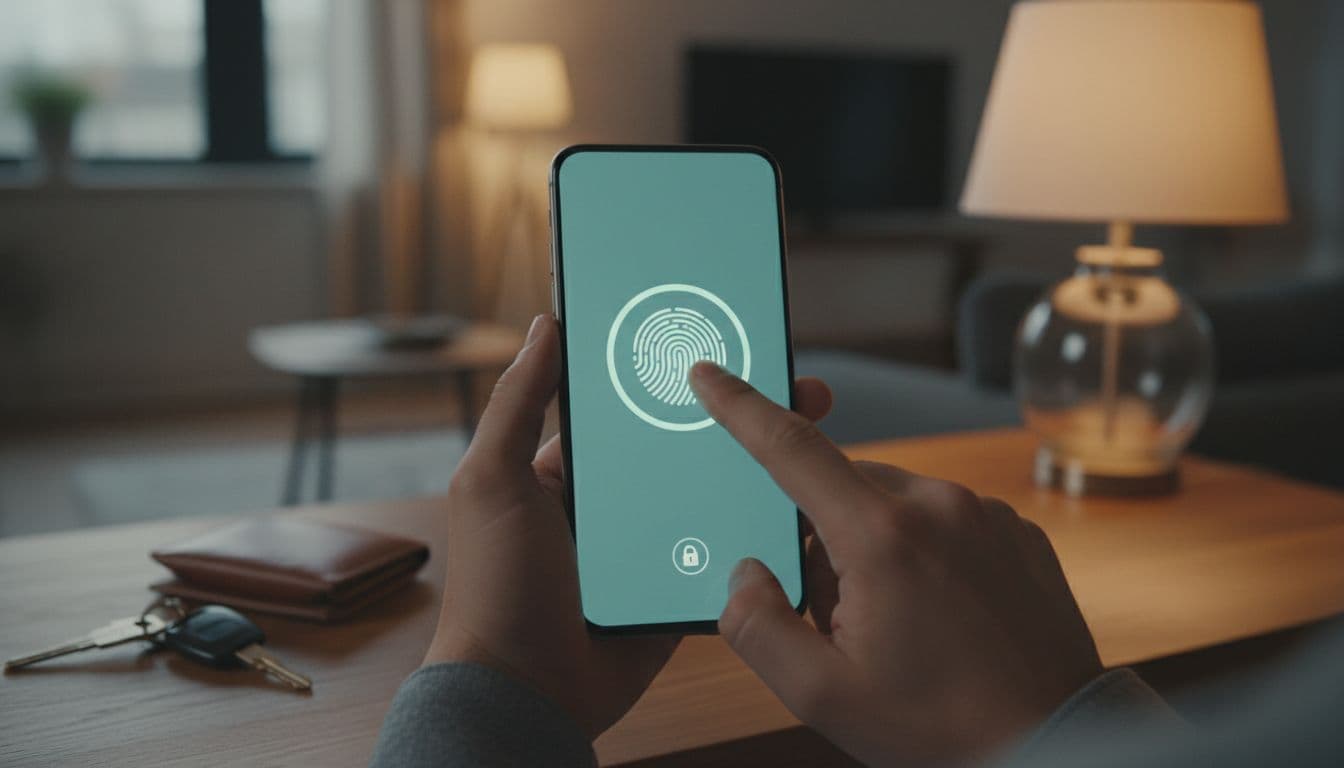 Basic security settings reduce risk if your phone is lost or stolen, this image was created with AI.
Most phone problems aren’t mysterious. They’re stolen phones with weak locks, phishing texts that look real, and devices that never get updates. A few calm habits fix most of it, while phone insurance offers vital protection against accidental damage, loss and theft, with worldwide cover and next-day replacement.
Simple security settings everyone should turn on
These take minutes and pay off for years:
Screen lock: Use a strong passcode, plus face or fingerprint unlock for ease. If you only use a simple pattern or short code, you’re making it easier for others.
Two-step sign-in: Turn it on for your email and banking apps. If someone gets your password, they still need the second step.
Find my device: Enable the built-in tool so you can locate, lock, or erase your phone if it goes missing.
Automatic backups: Back up photos, contacts, and messages. If the phone dies, your life doesn’t.
Also review app permissions. If a torch app wants access to your contacts or location, that’s a clue to uninstall it. And switch off Bluetooth when you’re not using it.
Avoiding common phone scams and unwanted charges
Scam messages often feel urgent. “Your parcel is waiting.” “Your account is locked.” “We need a code to prove it’s you.” They want you to act before you think.
A simple rule list that covers most cases:
- Don’t share one-time codes with anyone, ever.
- Don’t tap links in unexpected texts, even if they look convincing.
- Check the sender carefully, then use official apps for banking and bills.
- If in doubt, stop and call the organisation using a trusted number.
This is less about tech skills and more about refusing to be rushed.
Easy maintenance: storage clean-up, updates, and battery health
Phones slow down when they’re clogged. A light routine keeps things tidy:
- Install system updates when you can, they often include security fixes.
- Delete apps you don’t use.
- Clear big downloads and old videos you don’t need.
- Move photos off the phone if storage is tight.
- Restart the phone now and then, it can fix minor glitches.
If your phone is a couple of years old and the battery life has collapsed, a battery replacement can make it feel new again. It’s often cheaper than upgrading, and it keeps a good phone in use longer.
Conclusion
A good mobile phone choice starts with your routine, not the loudest specs. Focus on the features that change daily life, like battery, camera consistency, storage, and a screen you can read outside. Compare the total cost before you commit, and set up security on day one.
Quick recap to keep handy:
- Pick the phone type, such as an unlocked smartphone, that matches how you live
- Prioritise battery, main camera, storage, and screen comfort
- Compare pay monthly and pay as you go using total spend
- Turn on strong lock settings, backups, and find-my-device
Before you buy, write down your top three needs, then shop to match them. That list will save you money, and a lot of second-guessing.

Explore More Expert Buyers Guides and Reviews
For a list of our main buyers guides use the drop-down menu at the top of the page. Topics related to this article are:
Kitchen Appliances Buyers Guides
–
Explore Our Blog Categories for Expert Buying Advice
- AI Powered Product Finder Tools (25)
- Expert Buying Guides & Shopping Tips for UK Shoppers (1,463)
- Brands & Designer Products (Men, Women & Electronics) (293)
- Designer Fashion Brands: Buyer’s Guides & Reviews (166)
- Electronic Brands: Buyers Guides & Reviews (92)
- Apple Products Buyer’s Guides & Reviews (25)
- Brands – Phones, Laptops, PC”s, Tablets | Buyer’s Guides & Reviews (44)
- Electronics – Tablet & iPad Reviews and Buyers Guides (10)
- Kitchen Appliance Brands: Buyer’s Guides & Reviews (24)
- Laptop Brands & MacBooks Buyer’s Guides & Reviews (9)
- Phone Brands & iPhones Buyer’s Guides & Reviews (23)
- Car Buying & Financing Made Easy | Expert Guides for the UK (89)
- Clothing, Fashion & Accessories Buying Guides UK (510)
- Beauty, Health & Wellness | Perfume, Skincare, Makeup & Wellbeing Guides (187)
- Footwear: Trainers & Shoes Buyers Guides (49)
- Jewellery: Expert Reviews, Trends & Buying Guides (74)
- Men's Clothes — Buyers Guides & Reviews (39)
- Men’s Clothes, Fashion & Accessories Guides UK | Latest Trends & Smart Shopping (172)
- Women's Clothing Buyers Guides — Dresses, Tops & More (202)
- Women’s Clothes, Fashion & Accessories Guides UK | Latest Trends & Smart Shopping (449)
- Electronics, Tech & Gadgets: Reviews, Deals & Buying Guides UK (183)
- Furniture Buyer’s Guides | Home & Garden & Styling Tips (329)
- Bedroom Furniture Guides UK | Expert Tips & Best Value Deals (93)
- Garden Furniture, Landscaping & Garden Rooms Guides UK | Expert Tips & Best Value Deals (170)
- Garden Sofa & Sofa Sets Buyers Guides (11)
- Garden Tables & Chairs: Sets, Individual Tables & Seating Buyers Guides (58)
- Home Furniture, Décor & Interior Design Guides UK | Styling Tips & Inspiration (170)
- Living Room Furniture, Design & Décor Guides UK | Styling Tips & Inspiration (57)
- Sofa & Sofa Beds Buyers Guides (19)
- Sofa Beds Buyers Guides (7)
- Sofa Buyers Guides & Expert Advice (11)
- Holidays & Travel: Hotels, Villas & Flights (163)
- Home & Garden Improvements | Renovations & Outdoor Transformation Guides (106)
- Insurance & Protection: Travel, Landlord, Gadget & More UK (159)
- Gadget Insurance UK | Expert Guides, Reviews & Smart Protection Tips (33)
- Home Emergency Cover UK | Expert Guides, Reviews & Practical Protection Tips (21)
- Landlords Insurance UK | Expert Guides, Reviews & Smart Protection Tips (31)
- Travel Insurance UK | Expert Guides, Reviews & Money-Saving Tips (34)
- Pets: Guides, Tips & Inspiration (29)
- Brands & Designer Products (Men, Women & Electronics) (293)
- Gifts for Everyone: Ideas for Every Occasion & Budget (51)