A smart refrigerator adds connected features to everyday food storage, such as phone alerts, remote controls and, sometimes, internal cameras. For UK buyers, the strongest choice balances these conveniences against purchase price, electricity use and long-term support.
Cooling and usable storage should lead your decision, because an impressive screen cannot fix awkward shelves or a poor kitchen fit. Our independent comparison focuses on the appliance rather than any brand, with practical guidance on energy labels, build quality and privacy. Start by separating the functions you’ll use from those that merely look appealing.
This post may contain affiliate links. If you make a purchase through these links, I may earn a small commission at no extra cost to you.
Key Takeaways
- Prioritise dependable cooling, usable storage and correct installation before paying for connected extras.
- Compare annual electricity consumption, noise figures and exact dimensions, rather than judging value by appearance.
- App alerts can be useful without a large touchscreen or internal camera.
- Software support, account requirements and privacy settings affect long-term ownership.
- Include delivery, installation, repair cover and old-appliance removal when comparing the total price.
The Quick Verdict
A smart appliance suits households that will regularly use door alerts, remote temperature monitoring or supported food-management tools, provided its storage and dimensions work. A simpler model may offer better value if those extras add little, especially after allowing for the higher purchase price, running costs, setup and privacy considerations.
What a Smart Fridge Actually Does
A smart fridge connects to your home network to offer functions beyond ordinary refrigeration. Depending on the model, its app can report temperatures, send door-open alerts, adjust settings or provide diagnostic information.
Some models integrate with a connected home and support voice assistants such as Amazon Alexa. Others offer an internal camera, calendar, shopping list, grocery tools, inventory features or recipes, depending on the model. Samsung Family Hub is one example, but its features aren’t available on every unit.
Neither a screen nor a camera is essential. A discreet connected fridge freezer can provide useful alerts without becoming a kitchen entertainment device.
Connected features don’t automatically improve freshness. Temperature stability, suitable storage conditions and sensible food handling remain the foundations.
Key Specifications & Features
Dimensions and storage that suit your kitchen
Compare each refrigerator’s height, width and depth, including handles and required ventilation space. Door swing matters because some drawers need a wider opening than the door requires for everyday access.
Capacity appears in litres, but shelf spacing determines what fits. Adjustable shelves, tall bottle storage and accessible drawers can matter more than a larger headline figure.
The fridge-to-freezer split should match your shopping. Batch cooking favours freezer room; frequent fresh-food shopping favours fridge space. Freestanding and integrated appliances have different installation requirements, so treat them as separate categories.
Controls, connectivity and operating figures
Independent temperature controls make adjustments easier, while frost-free freezer compartments reduce defrosting work. A touch screen may include built-in speakers for music streaming, but these model-dependent features can add cost or use space.
Some models have an optional camera that shows what’s inside the fridge and lets you view photos. Check whether this feature is available on the model you’re considering.
For connectivity, verify WiFi and Bluetooth support, compatible iOS or Android versions, Wi-Fi requirements and named smart-home integrations. Check that the smartphone app supports your phone’s operating system. Voice control requires explicit support; it isn’t a standard feature.
UK energy labels use an A to G scale. Compare the specific model’s annual consumption in kWh alongside its rating. The noise figure in dB also deserves attention, particularly beside an open-plan living area.
Performance & Build Quality
Cooling and controls come first
Connected functions earn their place when they reduce everyday friction. A door-open alert should identify the problem clearly, whilst temperature controls should remain easy to understand during busy meal preparation.
App temperature displays need careful interpretation. A selected temperature isn’t necessarily a live measurement, so distinguish the set point from any reported sensor reading.
Useful independent cooling tests examine temperature stability and recovery after door openings. A polished interface alone provides no evidence of either.
Construction and support affect ownership
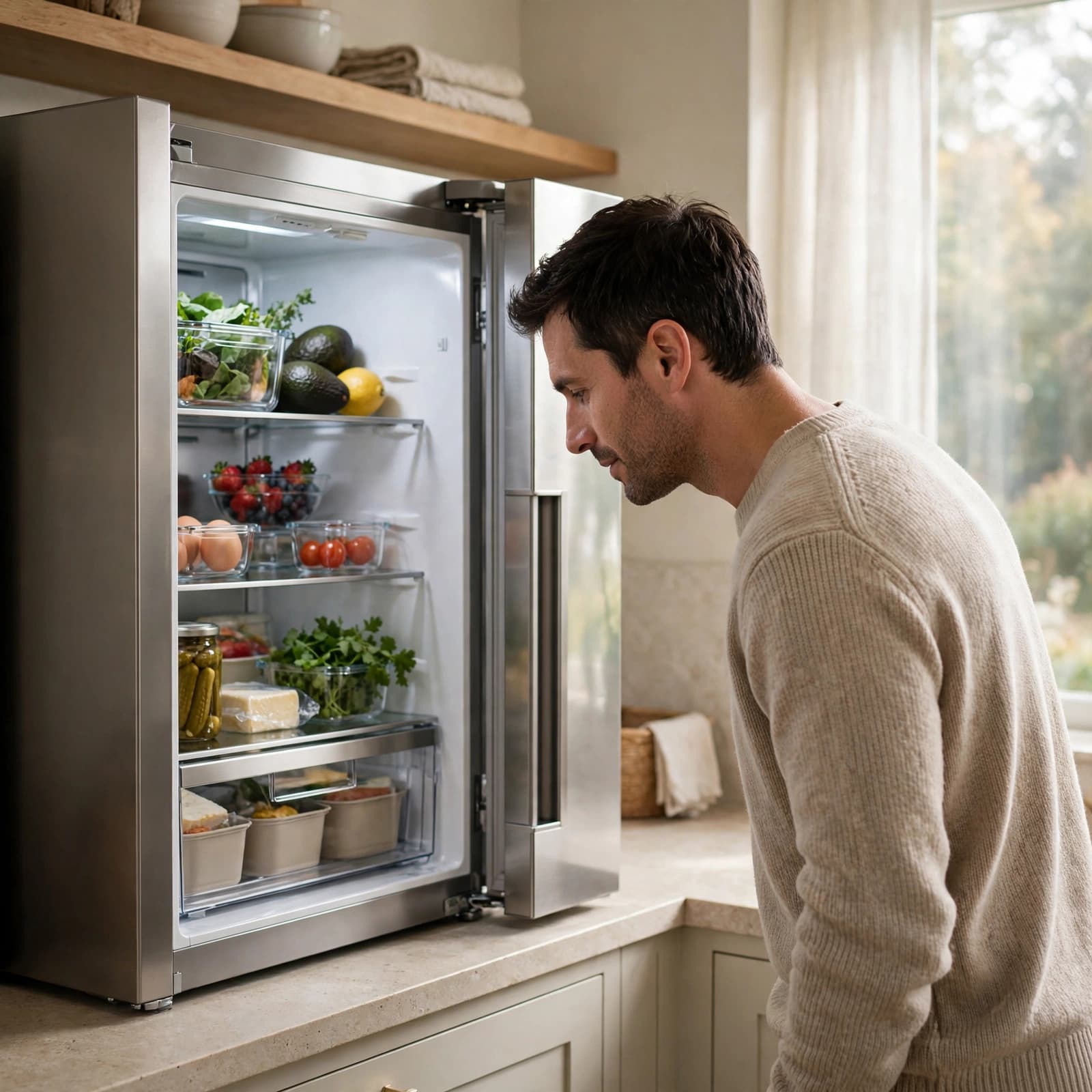
Look for well-supported shelves, drawers that move without excessive twisting, and seals that meet the cabinet evenly. Removable shelves and accessible corners also make cleaning easier.
A metal-look finish doesn’t establish the quality of hinges or internal fittings. A stiff drawer can become more irritating when it’s full.
Before buying, check compatibility and ongoing support for the relevant app, such as the Samsung app. Software updates, app changes and home Wi-Fi can affect connected functions over time. Basic refrigeration should remain the priority, with usable local controls for routine adjustments rather than dependence on a phone.

What to Look For: How to Compare with Similar Products
Compare storage and fit on equal terms
Start with a short must-have list based on your current model. Note which shelves overflow, whether freezer drawers fill first, and what food becomes difficult to reach.
Then compare usable layouts rather than external size alone. Ice makers, thick door compartments and dispensing equipment can reduce storage.
Measure the appliance space and delivery route, including skirting boards, pipe boxing and nearby walls. Allow the manufacturer’s ventilation gaps and enough door clearance to remove drawers. Integrated models also need the correct cabinet and door-hinge arrangement.
Compare lifetime costs and support
Use annual kWh figures and noise levels to compare similarly sized appliances. Energy ratings support like-for-like comparisons, but they don’t promise a precise household bill. Room temperature, settings and door openings affect consumption.
Before paying a connected premium, check that the app supports your phone and works with your existing smart-home setup and connected home.
Read warranty coverage beyond the headline duration. Parts, labour and call-outs may have different terms. Published software-support periods, replacement shelves, door seals and accessible repair services all contribute to long-term value.
Top Alternative Options to Consider
A standard non-connected fridge freezer suits buyers who prioritise straightforward controls and storage for their budget. It avoids app setup and account management, although remote warnings aren’t available. Compare frost-free operation, layout and energy use rather than assuming simplicity guarantees efficiency.
A connected model without a large display suits households that mainly want alerts and remote settings. It offers a more focused experience, although available functions still depend on the app and ongoing support. Compare these models before paying for a touchscreen you rarely expect to use.
A premium camera or touchscreen model, such as Samsung Family Hub, suits households that will regularly use its supported inventory, viewing or shared-screen tools. Some models also support recipes, but functions vary by model. Trade-offs include purchase cost, added setup and possible loss of storage space. Compare exact specifications rather than treating all premium models as equivalent.
What to Avoid When Choosing a Smart Fridge
Avoid paying for functions without a clear household use. Screen size, a glossy finish or an extensive feature list says little about cooling quality.
Don’t assume every model offers the same app functions. Missing operating-system compatibility or unclear software-support information can weaken an otherwise attractive purchase.
Privacy information should explain account requirements, data collection, camera-image storage and account deletion. Unclear terms deserve attention before you connect the appliance.
Finally, don’t compromise ventilation or door clearance to squeeze in a larger unit. Warranty exclusions, limited repair access and unexpected plumbing requirements also belong in the value calculation.
Buying a Smart Fridge Online: What to Check Before Ordering
Online shopping gives you a wider selection and makes it easier to compare specification sheets, energy labels and prices side by side. Customer feedback can also reveal recurring complaints about noise, drawer access or app setup, although individual reviews aren’t controlled performance tests.
Compare the total delivered cost, including installation and removal of the old appliance. A lower advertised price may exclude services you need.
Measure the kitchen space, entrance doors, corridors and turning points. Then review delivery access restrictions, return conditions, warranty registration and included fittings.
For a plumbed dispenser, account for the required water connection. Installation arrangements matter as much as getting the appliance through the front door.
Frequently Asked Questions
Does a smart fridge work if the Wi-Fi goes down?
Core cooling normally continues without internet access, although remote controls and online services may stop. The model’s manual identifies which functions remain available offline.
Are smart fridges more expensive to run?
Connected electronics use some electricity, but the amount varies by model and is generally small compared with refrigeration. Check annual consumption on the UK energy label rather than assuming Wi-Fi determines the bill.
Do smart fridge cameras keep track of every food item?
No camera system should be assumed to recognise the entire contents automatically. Hidden items, packaging and viewing angles can limit coverage, while inventory functions may require manual entries or careful setup.
Can I use a smart fridge without its app?
Many models provide normal cooling and local controls without an app. Remote alerts and other connected functions may require Wi-Fi, an account and a compatible phone. Check which services are optional and which controls are essential before buying.
Is a smart fridge worth it for a small household?
It can be, if alerts or remote monitoring solve a genuine problem and the appliance fits your space. A compact or conventional fridge freezer may offer better value if you would rarely use the connected features.
Choose the Fridge That Fits Your Routine
The right appliance fits your kitchen, keeps food accessible and meets your household’s storage needs. Connected extras deserve a premium only when they offer practical value you’ll use regularly.
Compare exact capacity, annual electricity use and noise before deciding. Give equal attention to app support, warranty coverage and installation requirements.
A well-chosen conventional model remains a sound purchase. A smart model earns its place through useful connected functions and dependable cooling, not its screen alone.